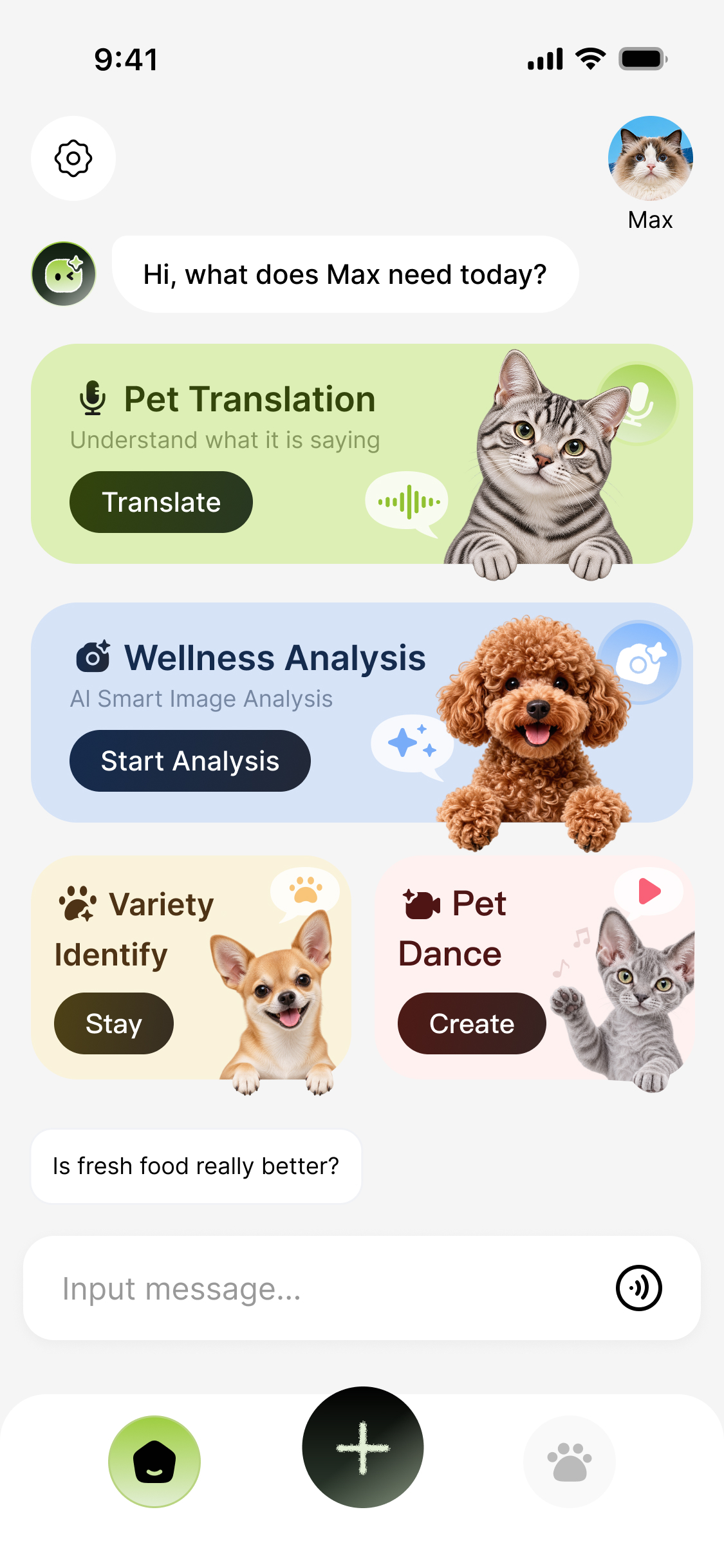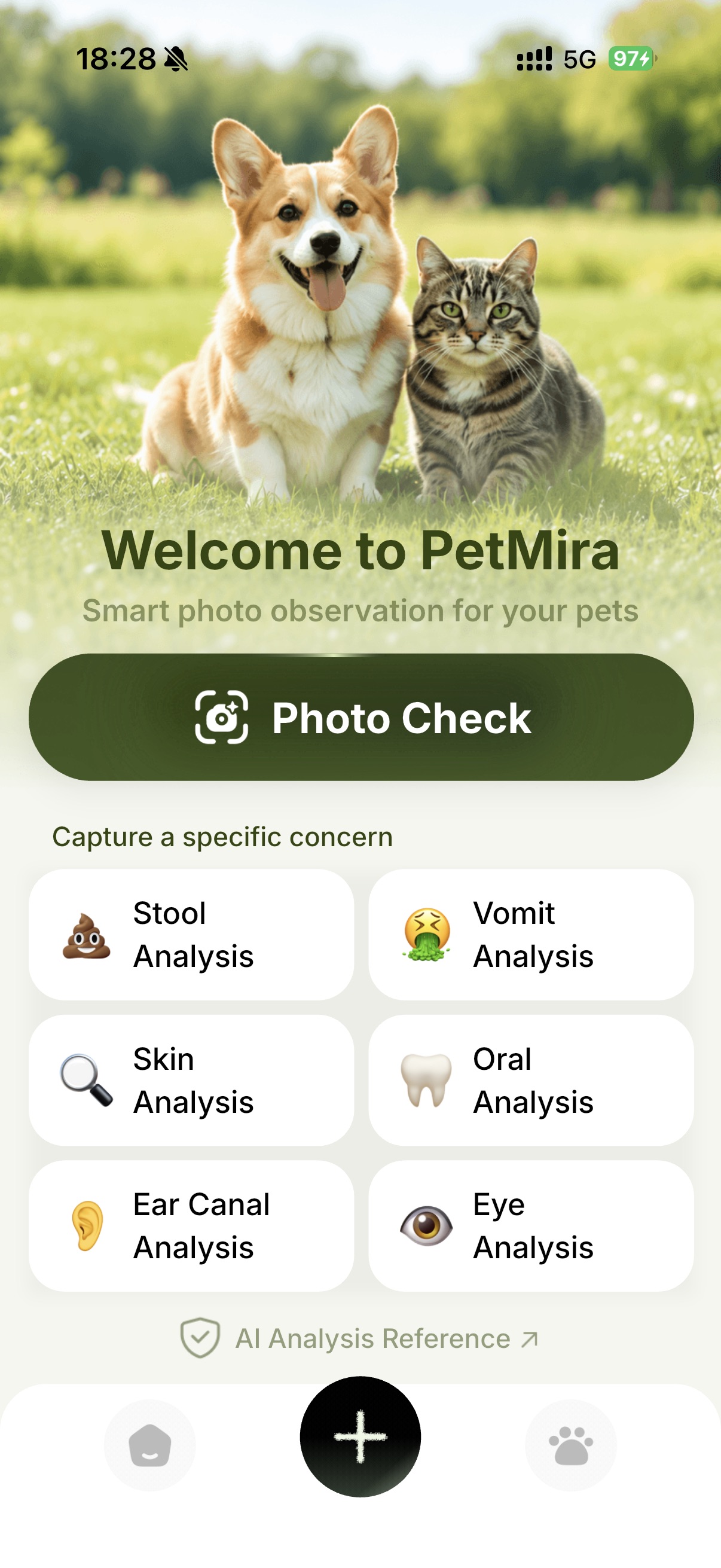




A good dog translator app should make it easier to observe your dog. It cannot turn a bark into a reliable sentence. PetMira is a useful option if you want to record a real dog sound and review an AI interpretation alongside a pet care routine. Dog Translator: Bark Sounds is an entertainment sound simulator. PawsTalk has recording and playback features in the same app, so check which one you are using before you judge the result.
Start by naming the input you want to use. A bark, whine or howl that your dog makes spontaneously can be recorded for later comparison. A prerecorded bark played through your speaker has a different purpose. It may attract your dog’s attention, but that reaction cannot tell you whether the dog understood a message. An app store title often makes the two experiences sound nearly identical.
App | Main use | What to verify |
|---|---|---|
PetMira | Record and review real sounds | Find prior recordings |
Dog Translator: Bark Sounds | Playback and entertainment | Identify soundboard controls |
PawsTalk | Analysis and playback modes | Confirm which mode you are in |
Pick an app by the way you plan to use it
Let the dog make the sound naturally Skip the recording during distress or a safety issue. Do not keep playing barks to provoke a response.
If you keep wondering whether your dog sounds similar at the front door and at the window, choose a tool with a recording feature. PetMira’s dog translator takes a short recording, returns an AI interpretation, and lets you revisit earlier translations. Use the label to decide what observations to look for next. For example, you could compare whether your dog rushes forward in both clips or stays close to you for one of them. Keep behavior separate from the suggested label so it remains useful if you later disagree. If you also have a cat, see which cat translator apps record or play meows.
Dog Translator: Bark Sounds is for people shopping for a soundboard or prank app. The developer lists bark effects and calls it an entertainment simulator. Its listed features can tell you whether you would enjoy the sound effects. That feature list supplies no basis for expecting an interpretation of your own dog. Play a sound privately if you want to hear it first, and avoid repeating it near your pet to provoke a response.
PawsTalk’s US App Store page describes both vocalization interpretation and a Pet Soundpad of prerecorded sounds. The combination can appeal to someone who wants to explore both uses. Check that the screen you are on actually takes live input when you want analysis. An animation, a barking icon or a phrase on the display cannot prove the app analyzed the sound you just heard.
The comparison uses developer descriptions from the US App Store and PetMira’s product documentation. It compares input, playback and history. It does not assign these products a translation-accuracy score.
Compare two clips with the same recording setup
Choose two normal occasions rather than making your dog bark. Keep the phone a comfortable distance away. Note whether the dog could see you or the trigger, what sound was happening nearby and how quickly your dog settled. Compare the notes first, then the app results. Similar outputs with very different observations may tell you that the category is too broad for your question.
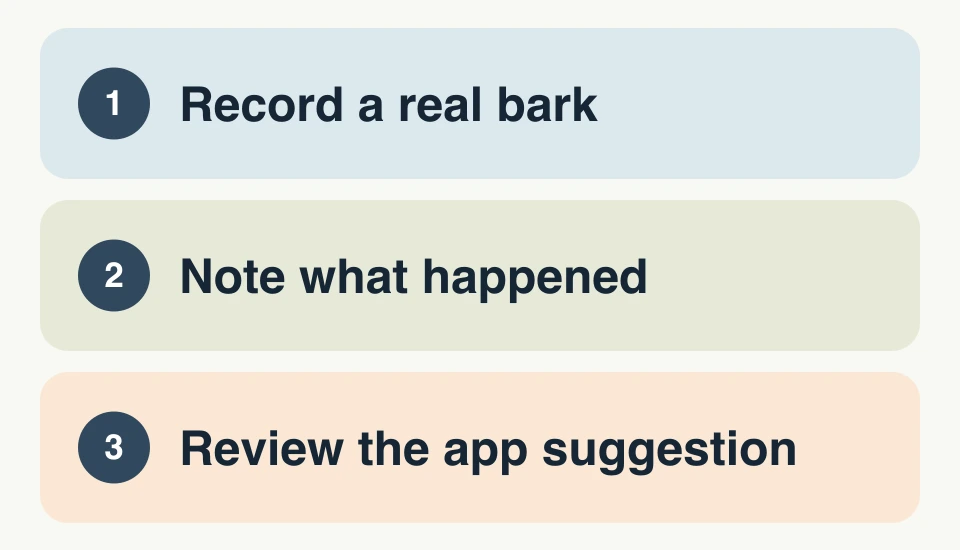
Take a common doorway example. If a door latch clicks and your dog gives a single sharp bark, write what follows it: turns to the door, looks at you, then walks away. If you hear repeated barking at the same door during a delivery, look for what changes when the person leaves. These details support different decisions, even when both clips receive the same interpretation. You might simply note the first event, then address the environment for the second by creating distance from the door and practicing a calm alternative when no one is knocking.
Check the tool’s handling of noise. If you had a second dog barking, music on the television or a metal tag tapping the bowl, mention it in the notes. The label may have more to do with competing sound than the dog’s experience. A system that lets you mark the clip as unclear or leave it out of a pattern is more useful than one that seems to insist on an answer every time.
Before relying on an output, check what dog translator apps can actually infer.
Know when a recording helps and when to put the phone down
An ordinary brief bark while a person passes the house can be observed from a safe distance. If your dog is distressed or another person or animal is at risk, manage the situation first. Move away from the trigger or create a physical barrier as appropriate. A recording made safely after everyone settles might help you remember the conditions. Keep your attention on the dog while the problem is happening.
A sudden vocal change paired with difficulty breathing, collapse or other urgent signs needs veterinary care right away. If the dog consistently sounds different and you also notice reduced activity, appetite or comfort, contact your veterinarian and describe the observations. Give a start time, frequency and what your dog was doing. A label on a phone is not the information a veterinarian needs to dismiss or confirm an illness. For non-urgent patterns, our dog health monitoring guide explains which daily changes can help you brief the vet.
If you use PetMira in this routine, record comparable sounds and keep a separate note of the context. A household member can review those notes alongside the app’s translation history. Concrete observations make it easier to explain why you think an event is new.
Check the subscription against the weekly habit
Before paying, check whether the recording and playback you actually use are available with your plan. Look for how long you can save a clip, whether prior outputs remain visible and how to stop renewal. You may only want a single playback sound. In that case, paying for ongoing analytics makes little sense. If your plan is to take useful observations over several weeks, think about whether you can keep up that routine before taking a long subscription.
Review microphone access and privacy settings as well. A short recording can contain a conversation elsewhere in the room. Choose a quiet moment, leave other people’s voices out, and look for controls that let you remove a recording. Do not assume a soundboard has no microphone features or that closing an analysis screen necessarily ends a permission grant.
The takeaway
Choose PetMira when you want to compare real sounds and retain observations, a sound simulator when you just want effects, or a mixed app when you clearly understand which mode you are using. Make one honest test with a naturally occurring bark and the context written in plain English. That is a better basis for keeping the app than a convincing line of invented dialogue.
PetMira for iPhone
Compare your dog’s sounds in context
Use PetMira to record a real bark, howl or whine and review the suggested interpretation alongside what happened.
 Record ordinary sounds
- Revisit previous interpretations
Use the AI result as a clue alongside your dog’s behavior and the situation.
Download iOS App