

01
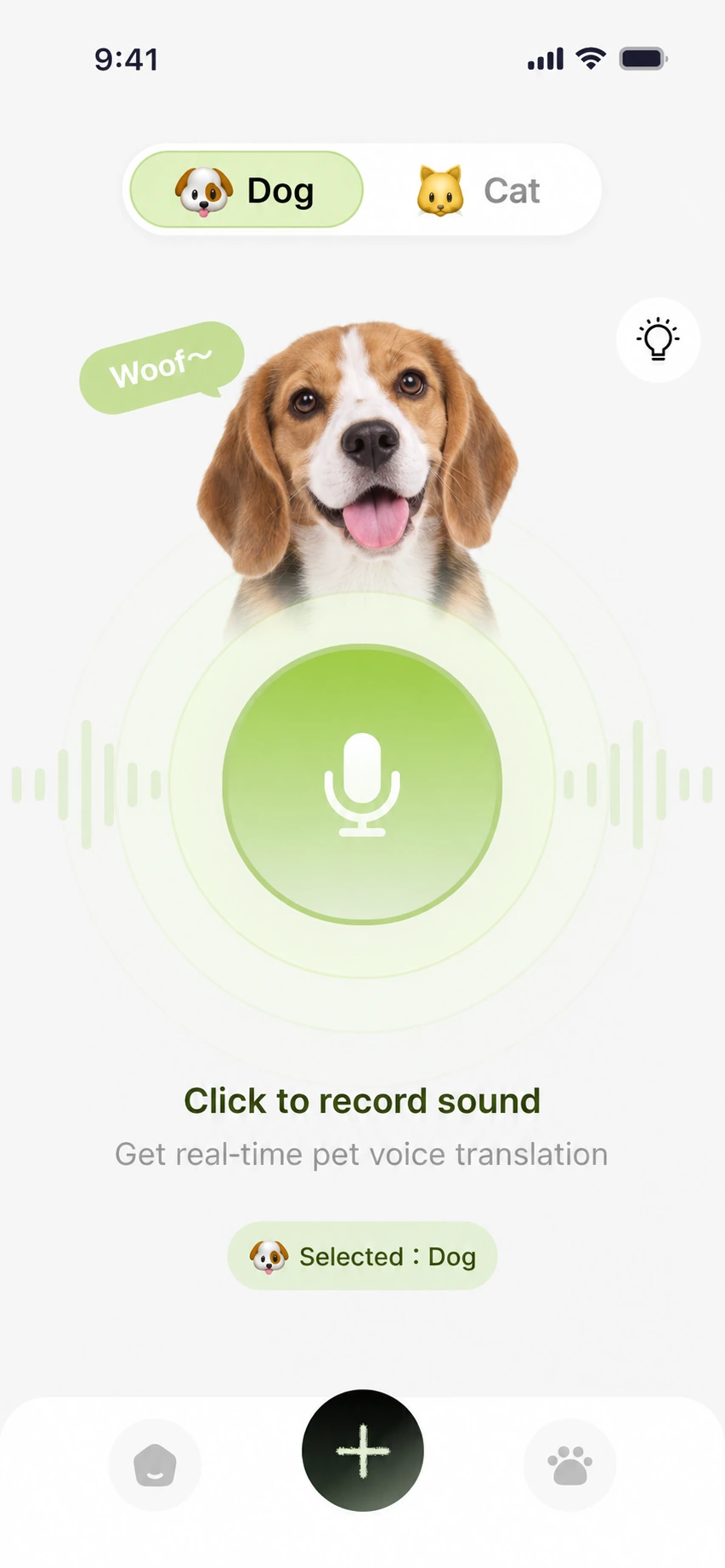
Choose Dog
Open the translator and select Dog at the top of the screen.
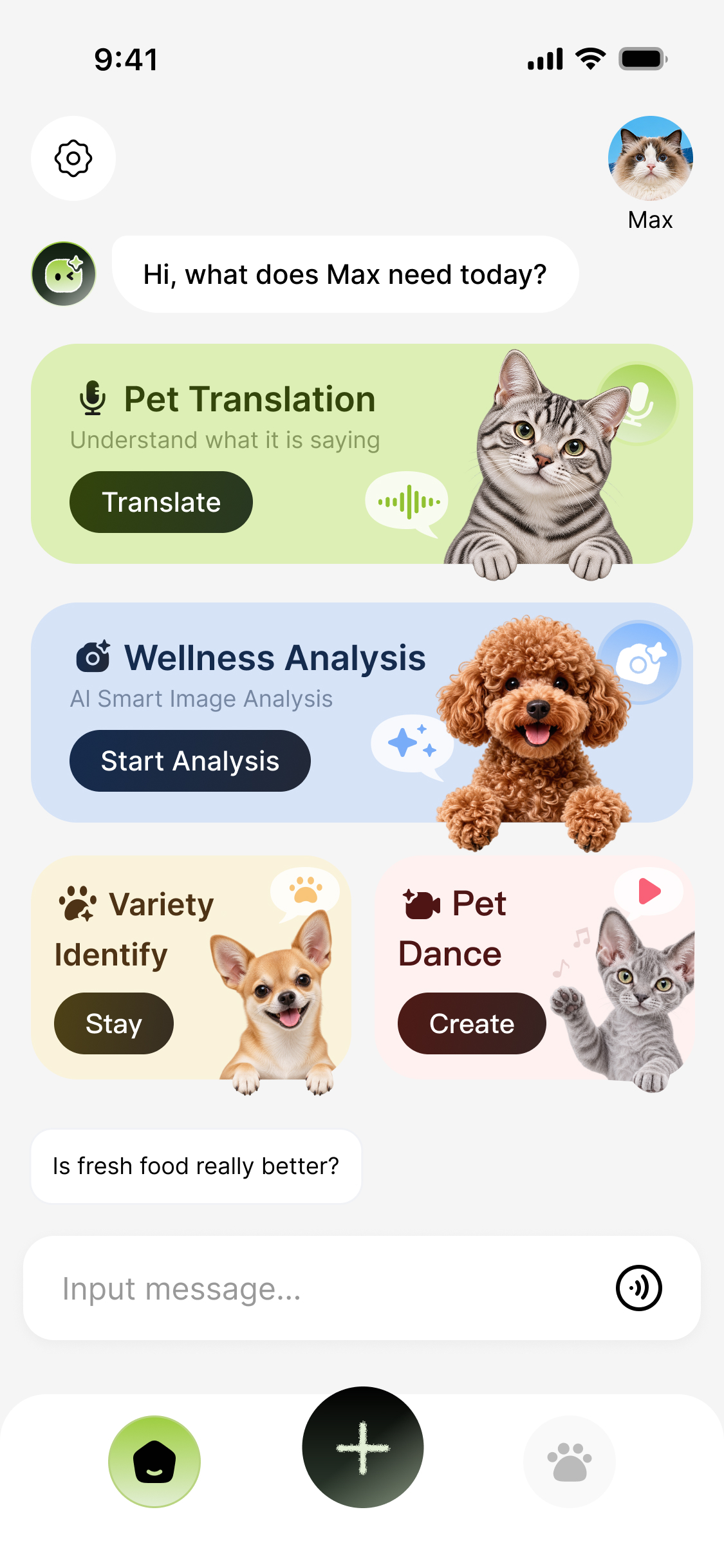
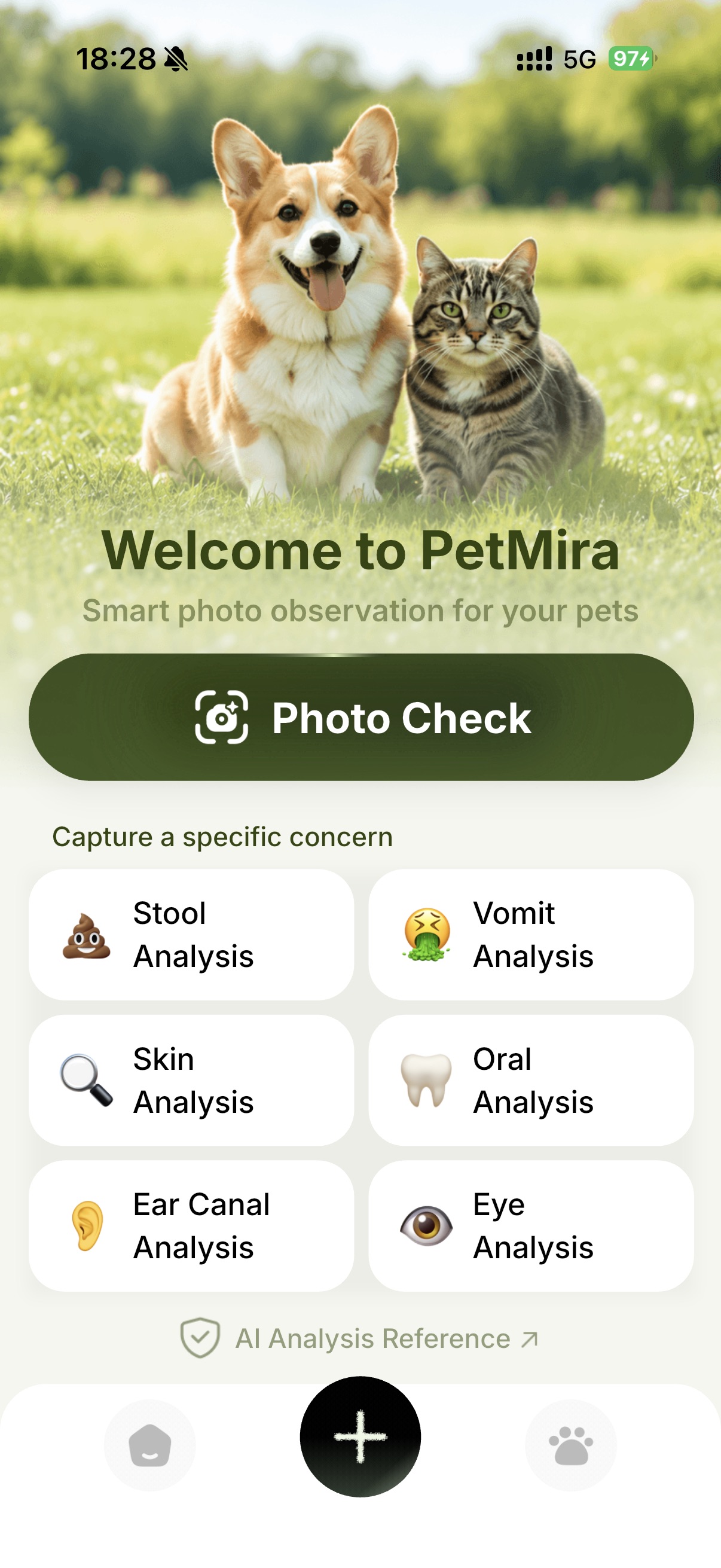
Record your dog’s sound, get a quick AI interpretation, and revisit earlier translations in the same pet care app.Understand everyday signals, notice meaningful changes, and keep your pet's care history together in one place.

 4.7App Store rating
 100K+Pet parents using

 Industry association member
Tap Charlie to hear a short bark and preview an example interpretation.
Four simple steps
Choose Dog, record one clear bark, whine, or howl, and wait for the analysis. PetMira shows an AI interpretation and keeps the result in translation history.
Open the translator and select Dog at the top of the screen.
Capture a natural bark, whine, or howl with one tap.
The app processes the audio after the recording ends.
Review the interpretation and return to it later by date.
Sound + situation
The interpretation is one clue. Compare it with the trigger, your dog’s body language, where they looked, and what happened next.Compare the AI interpretation with the trigger and your dog’s body language.
 Lead picked up
Charlie looks toward the door and moves closer when the lead appears.
What you can record
Capture one clear clip, review the translation, and compare it with what you saw and heard around the same situation.
| Dog sound | Example situations | What to notice nearby | Helpful question |
|---|---|---|---|
| Bark | At the door, before a walk, during play | Direction of attention, body movement, repetition | What happened just before the bark? |
| Whine | Waiting, settling down, a changed routine | Time, place, movement, what changed | Is anything different from the usual routine? |
| Howl | After a distant sound, when alone, near another dog | What was audible, how long it lasted, what followed | Did another sound happen first? |
Hey, something’s happening by the door. Can you check it with me?
Dog translation history
PetMira keeps each saved recording with its AI interpretation, so you can return to a bark, whine, or howl when a familiar sound happens again.
Replay exactly what you recorded.
Go back to the day when the sound happened.
Revisit a familiar bark, whine, or howl over time.
Clearer input
A quieter space and an uncovered microphone help PetMira hear the bark, whine, or howl more clearly.
Turn down music, TV, or nearby conversation before recording.
Hold the phone naturally without blocking its microphone.
Let the bark, whine, or howl happen without prompting a repeat.
Replay it and make sure your dog’s sound is easy to hear.
Dog sound guides
These guides explore the longer question behind a sound: what may have triggered it, which patterns to compare, and what to notice next.
 Dog
Start with the dog in front of you. Compare what you can see with shelter records, pedigree documents, or a DNA ancestry estimate, depending on what you want to learn.
Read Guide Dog
Know when to take your puppy out, what to do if they don’t go, and how to adjust the schedule when accidents keep happening.
Read Guide Dog
Choose a meal routine for a weaned puppy, divide the day’s food into measured portions, and know what to revisit as they grow.
Read GuideQuick answers
PetMira for iPhone
Take PetMira with you. This pet care app keeps your dog's or cat's photos, sounds, notes, and care history together, ready when you need them.
 Keep each pet's photos and notes together Revisit everyday changes over time Bring a clearer care history to your next vet visit