

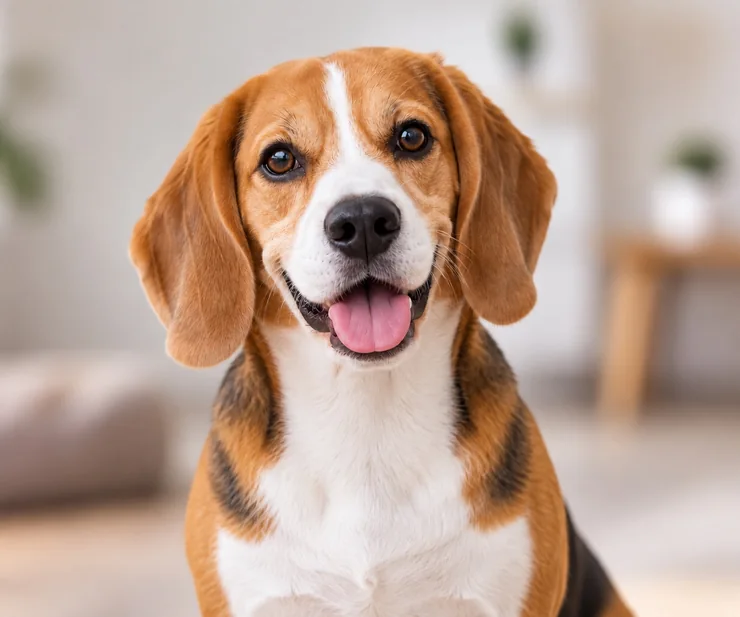
Use soft natural light
Avoid strong shadows that hide coat color or facial detail.
Add a clear dog or cat photo, explore possible breed matches, and compare the visible traits behind each result in the PetMira pet care app.Add a clear dog or cat photo, explore possible matches, and compare the visible traits behind the result.

 4.7App Store rating
 100K+Pet parents using

 Industry association member
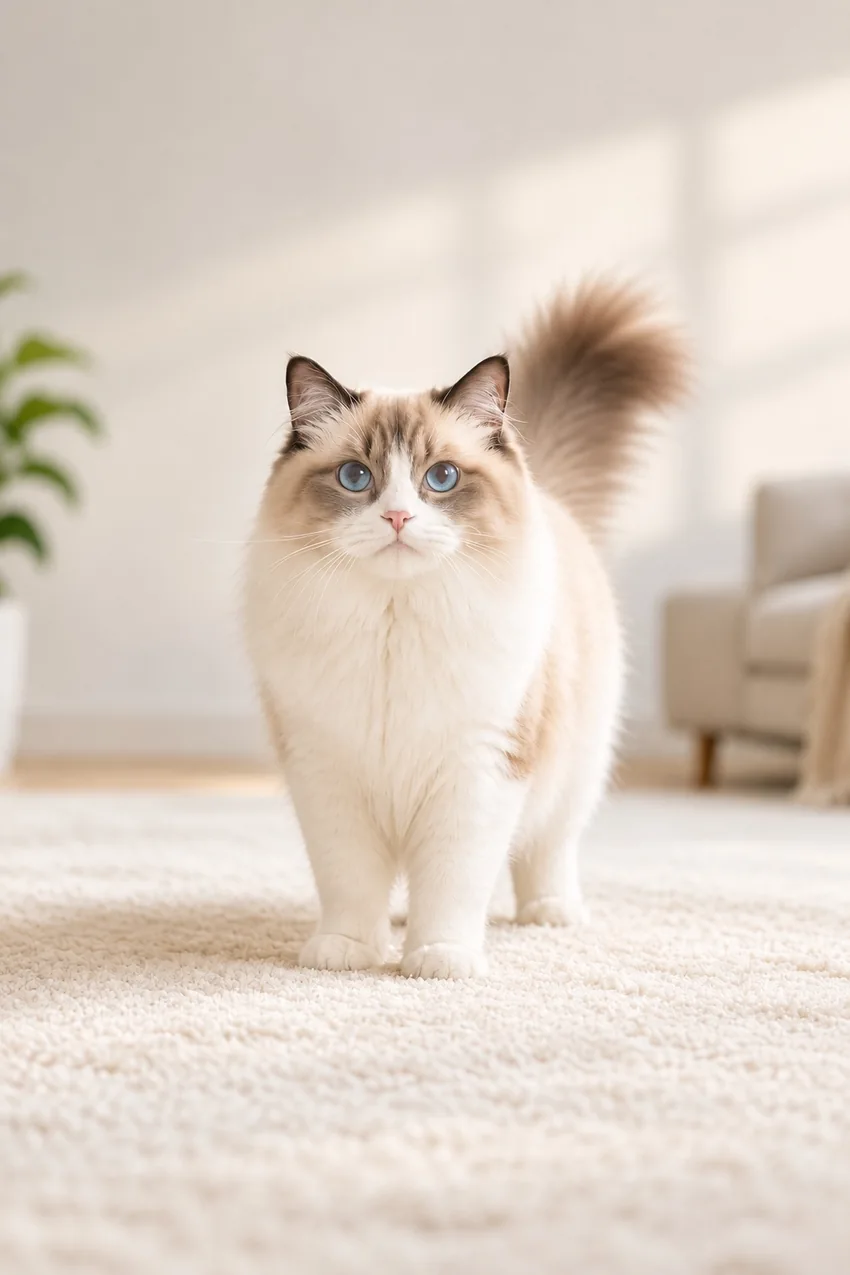
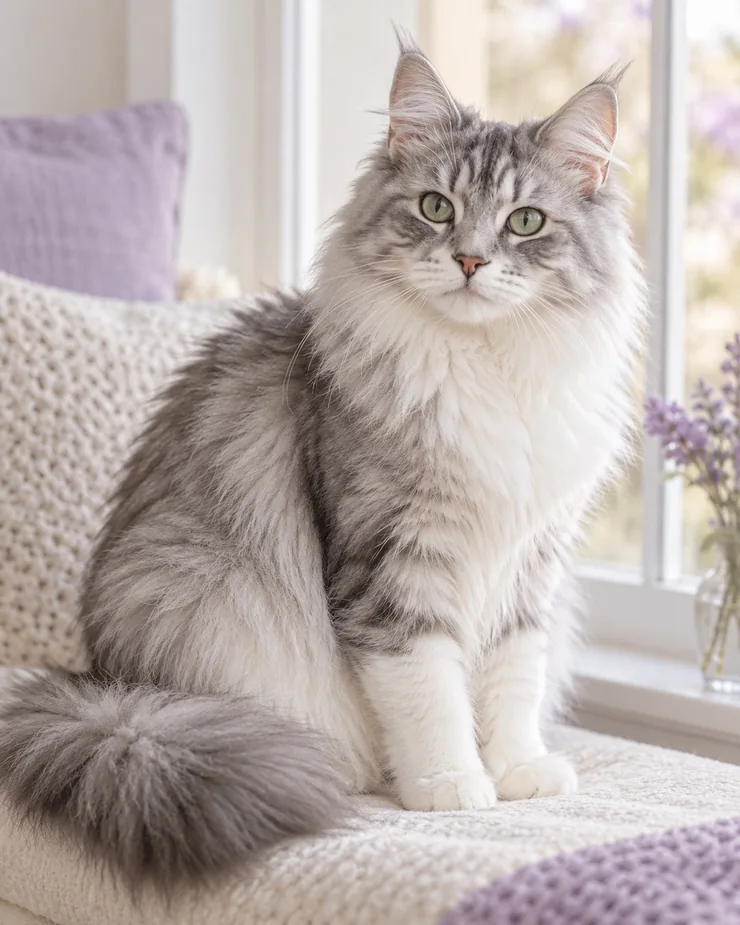
Blue eyes · Long coat
Color-point markings
Four simple steps
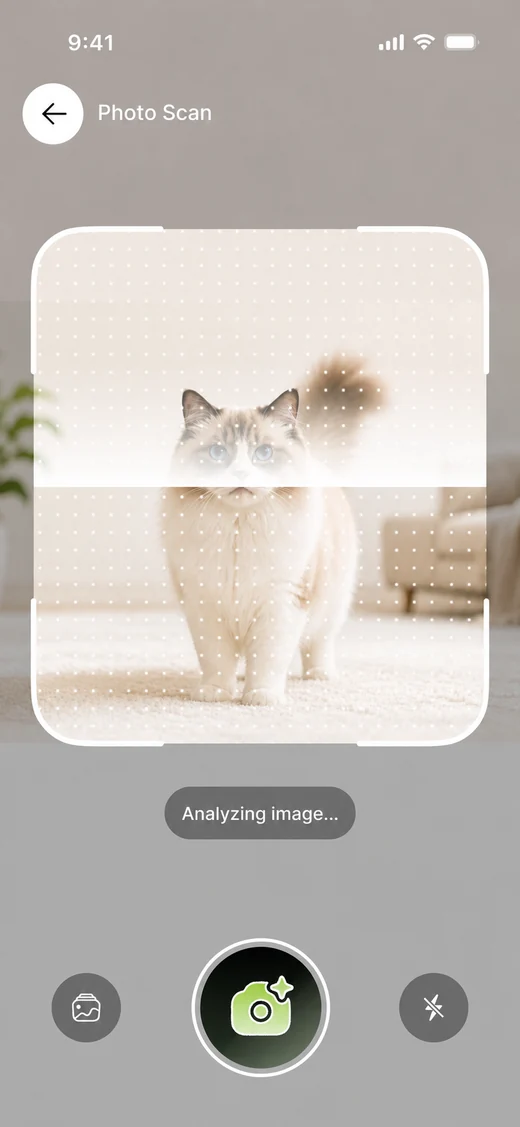
Add one clear dog or cat photo. PetMira compares visible traits and shows possible breed matches you can explore further.
Choose a recent, well-lit dog or cat portrait from your camera roll.
Keep the face, ears, and coat markings sharp and easy to see.
The AI breed identifier compares multiple visible features in the photo.
Review each possible breed and the visible traits behind the result.
Photo + visible traits
A useful breed photo shows the face, ears, coat, markings, proportions, and overall build without obstruction.Show the face, ears, coat, markings, and body shape in focus.
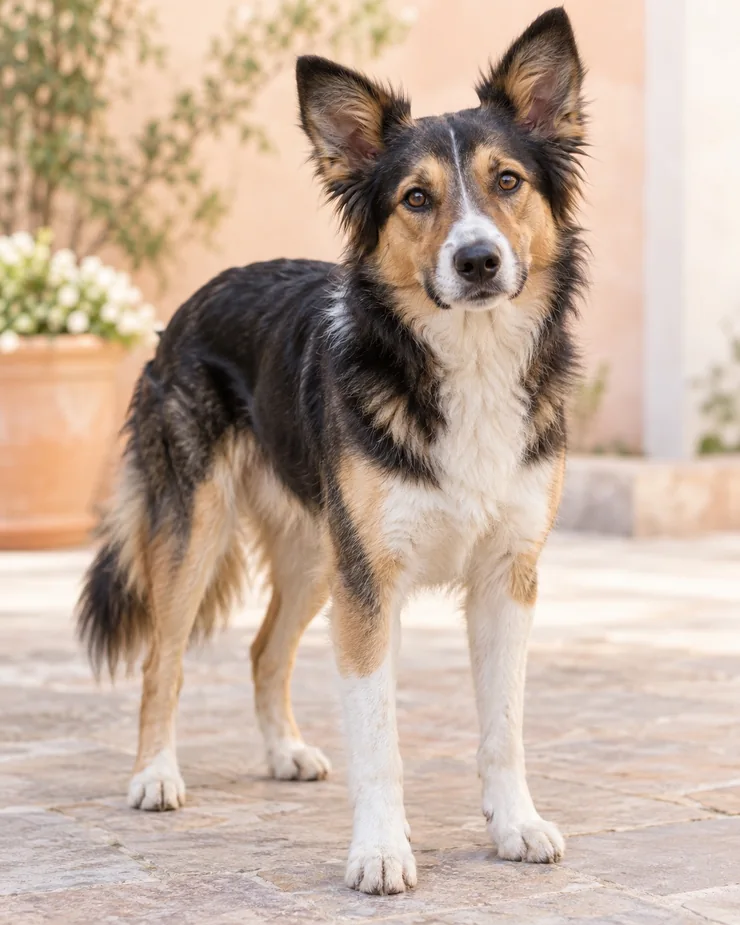 Full body visible
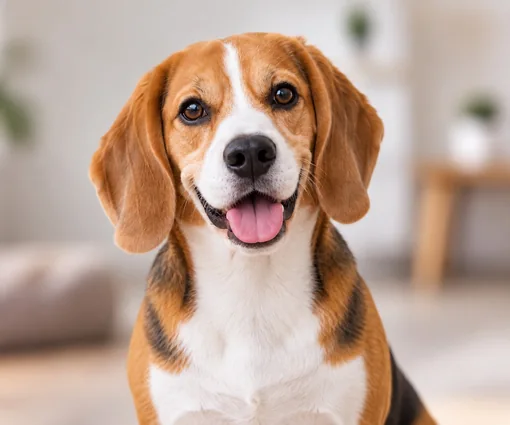
This view keeps the tricolor markings, upright ears, medium coat, legs, and proportions in one frame.
Visible traits
PetMira compares multiple visible traits in one photo. A second angle can help when the face, markings, or body shape is hidden.
| Visible area | Useful photo | What the result may compare | Helpful next view |
|---|---|---|---|
| Face & ears | Front or three-quarter portrait | Muzzle shape, ear set, eye spacing | A level photo in natural light |
| Coat & color | Sharp focus across the body | Length, texture, color distribution | A second angle without harsh shadows |
| Markings | Pattern visible from head to body | Blazes, points, patches, stripes | A side view if markings continue |
| Build | Standing or seated full-body view | Proportions, chest, legs, tail | A photo taken at your pet’s height |
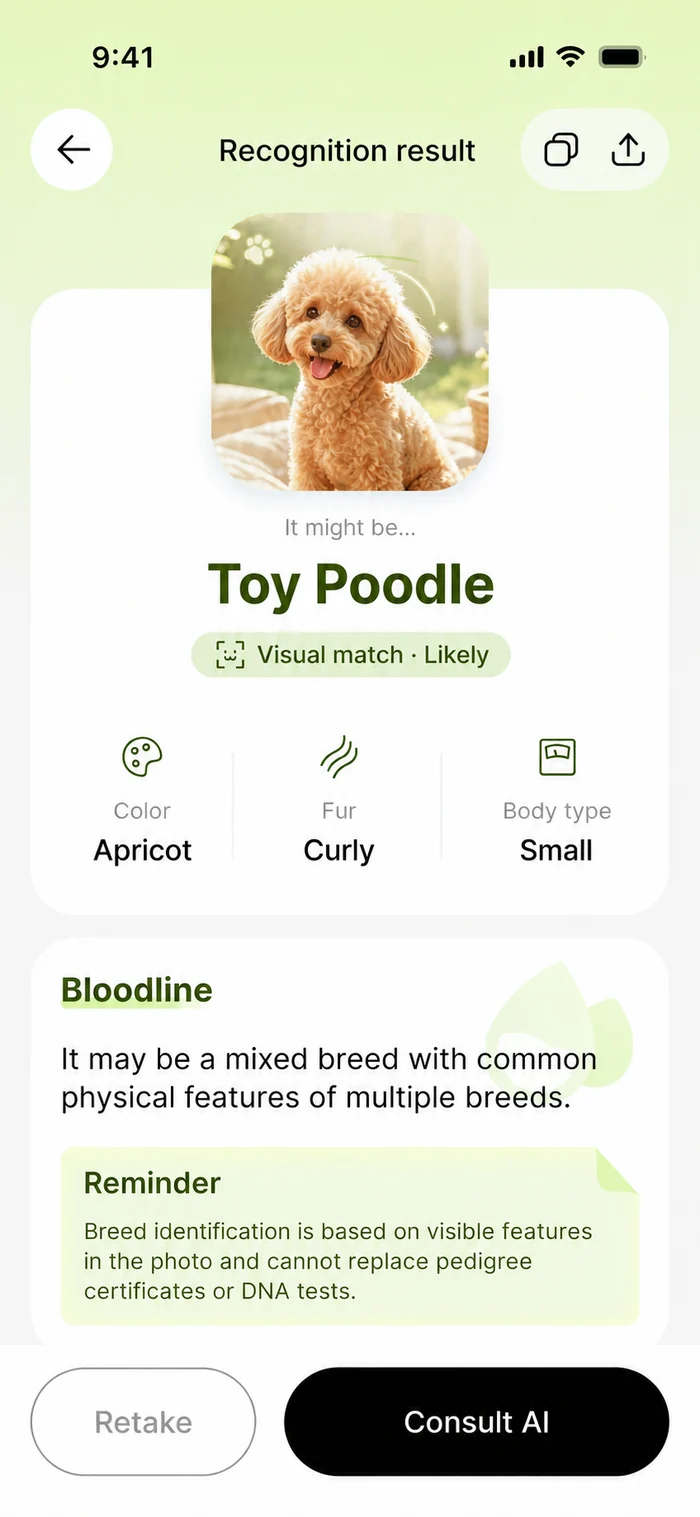
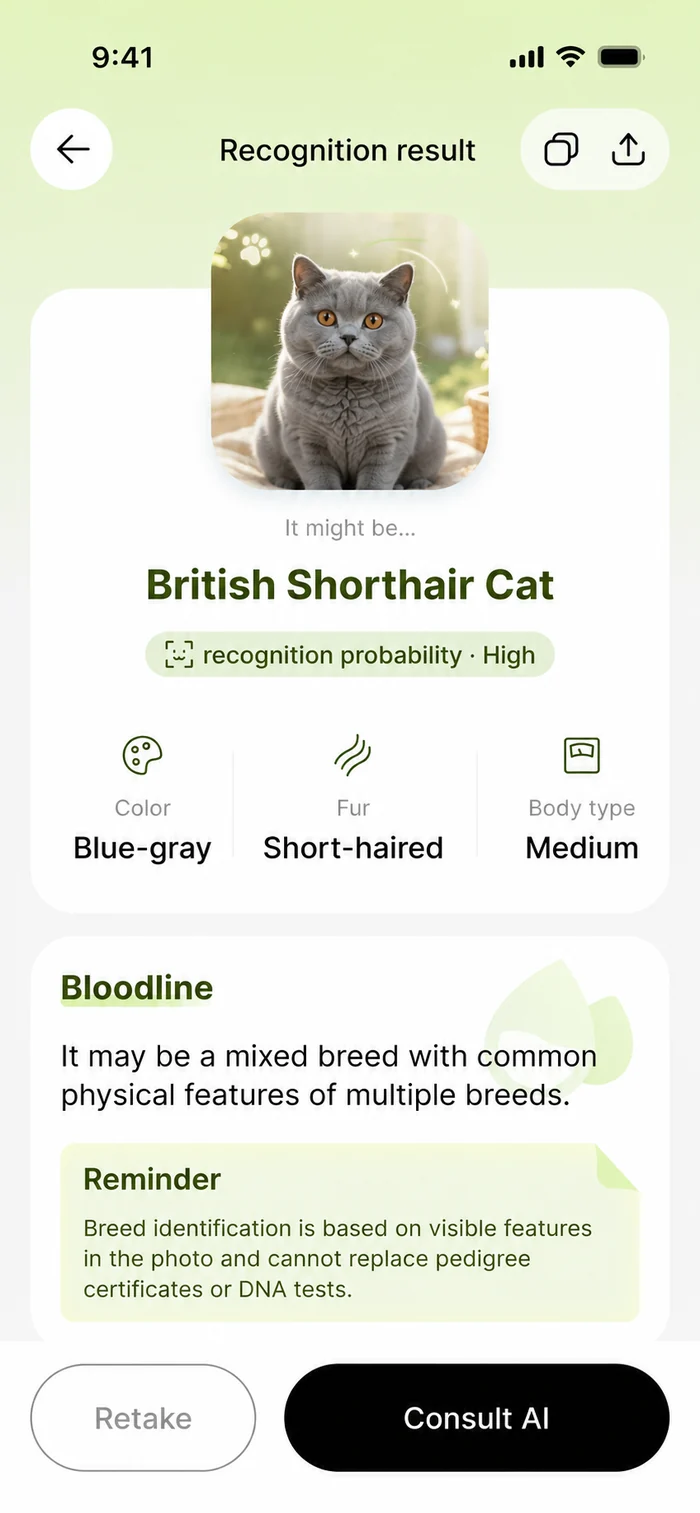
Dog and cat result examples
Switch between dog and cat examples to see how a possible match is paired with visible color, coat, and build details.
Use the name as a breed to explore, then compare more than one trait.
Look at color, coat, markings, face shape, and build together.
A second portrait can reveal traits hidden in the first photo.
Clearer input
Use natural light, a simple background, and a complete view of your pet so more visible traits stay easy to compare.
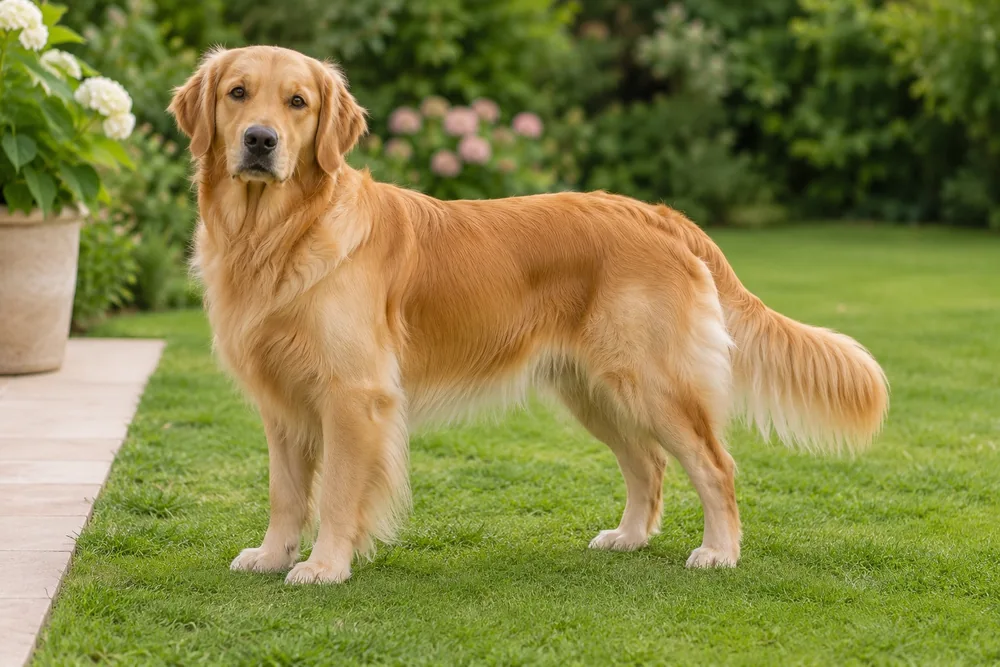
Avoid strong shadows that hide coat color or facial detail.
Hold still and let the camera focus on the face and coat.
Include the body and tail when you want to compare overall build.
Add a side or closer portrait when a useful trait is hidden.
Breed identification guides
Use these guides to compare coat, markings, body shape, adoption records, and other evidence behind a breed label.
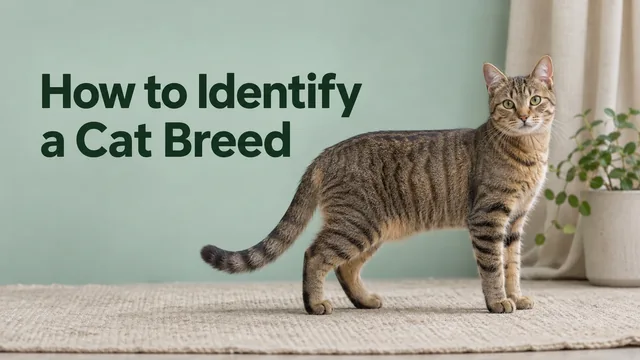 Cat
Use visible clues and adoption or pedigree records to decide which breed claims you can verify.
Read Guide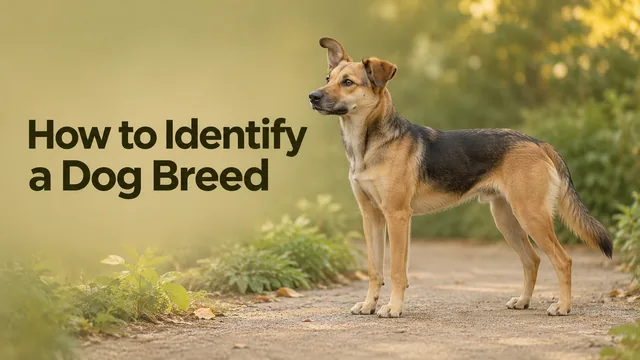 Dog
Compare what you can see with shelter records, pedigree documents, or a DNA ancestry estimate.
Read Guide Dog
See how lighting, camera angle, and mixed ancestry affect a possible photo match.
Read GuideQuick answers
Add a clear pet photo. PetMira compares visible features such as coat, markings, ears, face shape, and build, then shows possible breed matches to explore.
Yes. The same breed identifier accepts dog and cat photos and pairs each possible match with visible traits from the selected pet.
Use a recent, sharp image in natural light with the face, ears, coat, markings, and as much of the body as possible visible.
It can show possible matches based on visible traits, including features that resemble more than one breed. Use the result as a starting point for comparison.
Visit PetMira on the App Store for current device requirements, availability, and in-app purchase information.
PetMira for iPhone
Take PetMira with you. This pet care app keeps your dog's or cat's photos, sounds, notes, and care history together, ready when you need them.
 Keep each pet's photos and notes together Revisit everyday changes over time Bring a clearer care history to your next vet visit