



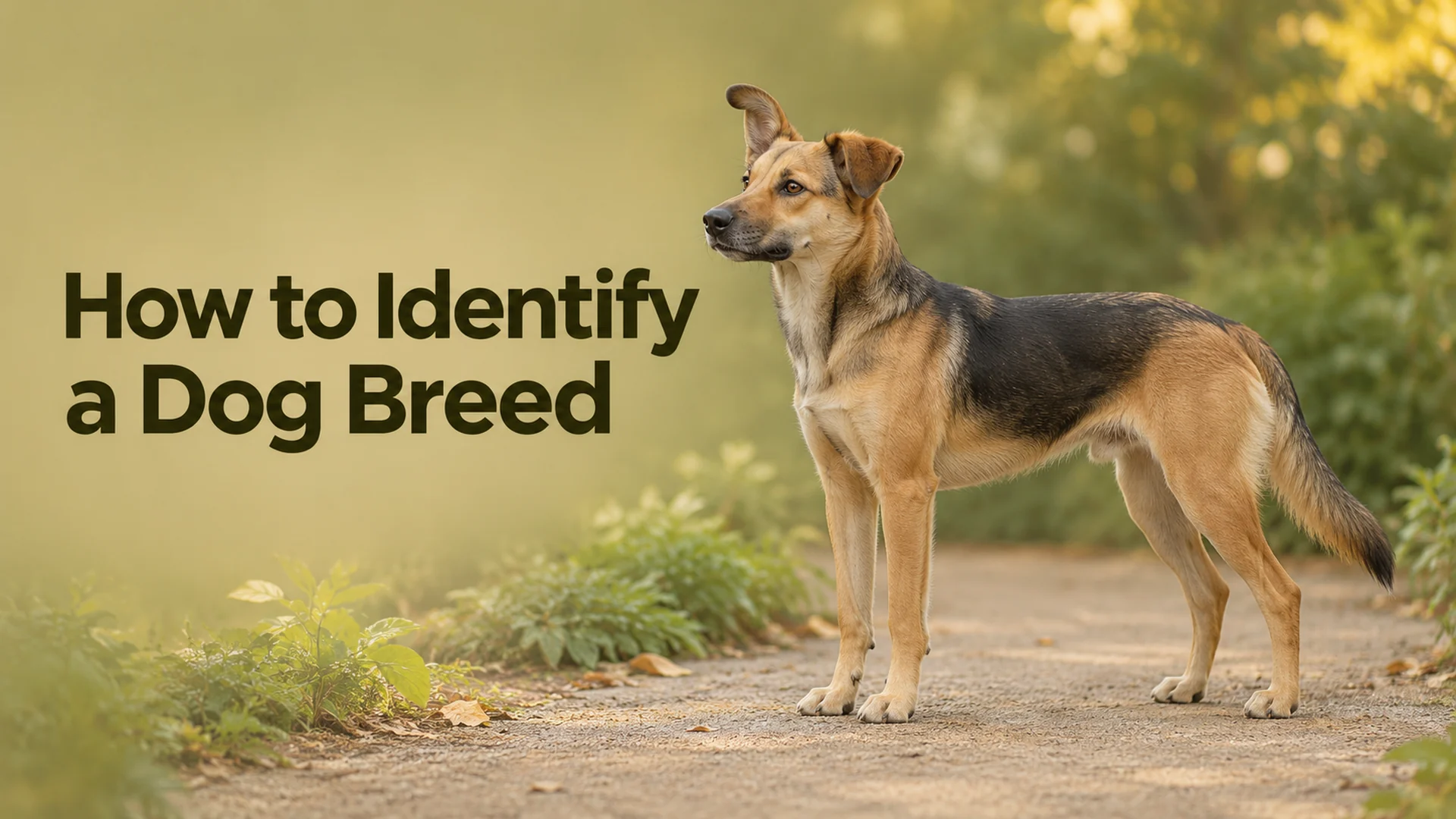
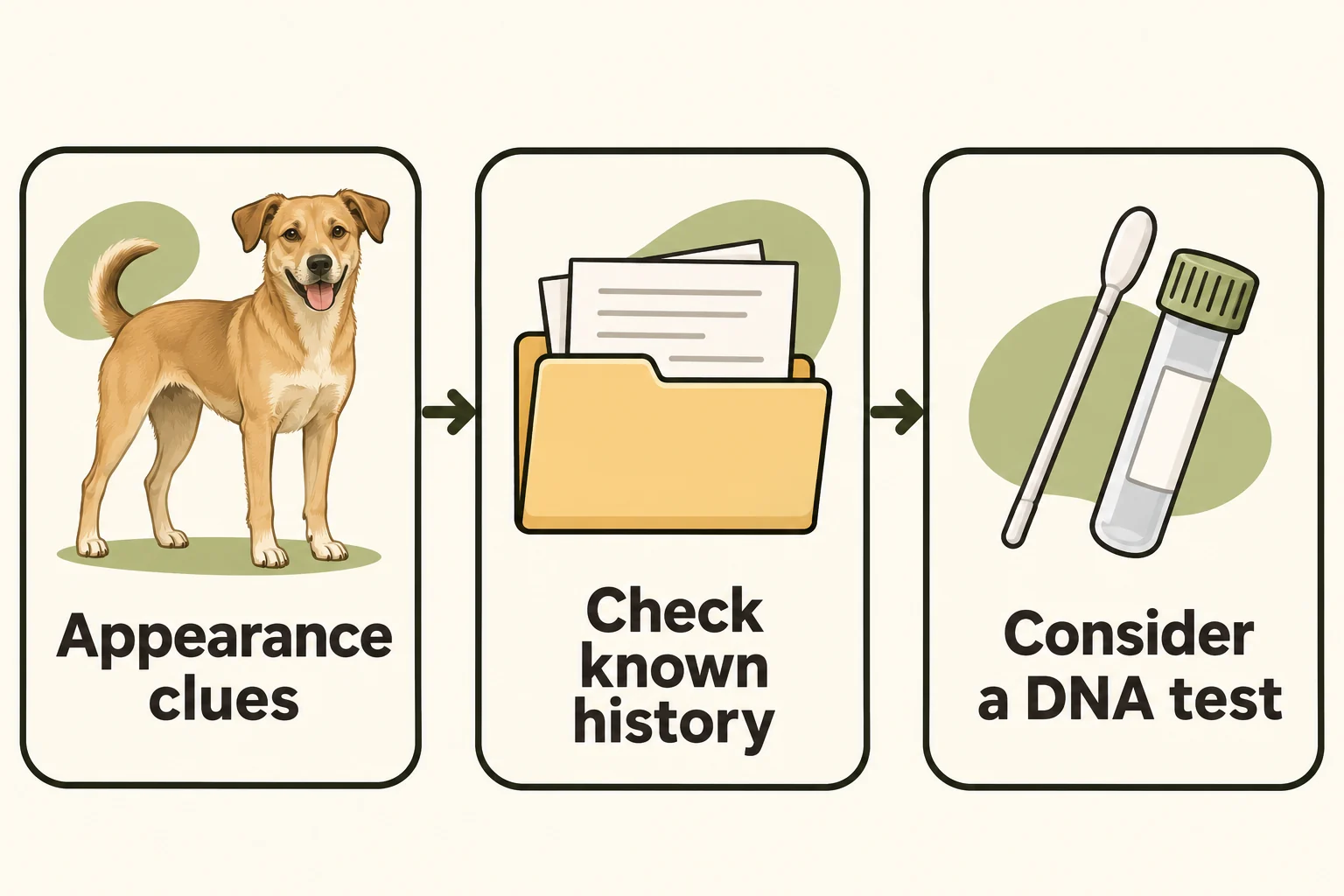
To identify a dog breed, start with the dog’s build and features, then check how any breed name entered their records. A photo can suggest dogs to compare. Reliable family records can document a registered pedigree. For an adopted dog with unknown parents, a breed ancestry DNA test can estimate genetic matches if you want more than a visual guess.
Before choosing a method, ask what you need the answer for. Describing the dog on a new-patient form, finding the origin of a rescue label, and learning what your dog might be mixed with are different tasks. You can often finish the first one with observations you already have, even if the other two remain open.
Start With the Dog in Front of You
Take a photo of your dog standing naturally, with all four feet and the tail in the frame. Step back and keep the phone level with your dog. Then get a straight-on photo at head height to show the muzzle and ear position. Keep a separate close-up if you need to show a marking. A photo of a dog sitting can be lovely, but it hides leg length and can make the chest look wider.
Write down the features that stay clear in more than one view. Compare muzzle length with the head, leg length with the body, and how the ears sit when your dog is relaxed. Record tail shape only if you can see it. If size matters for a record, use a recent measured weight. A solid coat color, white blaze, or curled tail can help describe the dog, though each feature can appear in several breeds.
With a puppy, date the photos and keep the current description provisional. Imagine a rescue puppy with folded ears, a black coat, and long legs in one photo. A close shot may exaggerate the head, and the puppy’s proportions will change as they grow. You can take another neutral side view later without assuming the first or second one settles the puppy’s ancestry. Ask the rescue about known family history if you need more than a guess.
Use the same dog in a different view If an app suggests a breed based on a close-up, compare the suggestion with a side photo taken at a normal distance. Note any feature the first photo hid. A repeat suggestion is still a visual clue.
Check What the Adoption or Breeder Record Actually Says
Read the paperwork for the source of the breed label. An intake note might say that a previous owner reported a breed, that the organization estimated it from appearance, or that parent records were supplied. If you do not see a source, ask the rescue or shelter. A label copied from the adoption page into a veterinary form is still the same original estimate.
If you have pedigree paperwork, ask how to check it with the issuing registry and match it to your dog. If somebody knew one parent, keep that detail and its source separate from the unknown side. A photo of a possible parent is worth keeping with your notes, but it cannot establish the whole family line. You can leave one parent unknown even when the other is documented.
There is a reason to keep the shelter’s description and the breed field separate. In a study of dogs at two shelters, researchers compared staff’s visual breed labels with commercial DNA results and found that identifying multiple breed contributions by sight was difficult. That study does not tell you what your own dog is. It explains why a visual intake label should stay attached to its source.
Choose the Evidence That Fits Your Question
If you only need to describe your dog, a dated photo and a few clear features may be enough. If you want to compare possible lookalikes, use those images with a breed guide or photo tool. To establish a pedigree, verify the documents for that individual. To explore genetic ancestry when those documents are missing, consider an ancestry test and read the provider’s explanation of its report.
Question | Useful evidence | Limit |
|---|---|---|
How would I describe my dog? | Current photos, visible features, measured weight | Describes the dog in front of you |
Which breeds could I compare? | A clear photo and a breed guide or scanner | A visual match is a suggestion |
Is the pedigree documented? | Registry or family records for this dog | Check the issuer and the individual |
What might my dog be mixed with? | A breed ancestry DNA report | An estimate based on the provider’s comparison data |
PetMira’s iPhone app can suggest possible dog breeds from a photo if you want candidates to compare. Upload the well-lit full view and read each suggestion against your notes. If the suggested breed has a trait you cannot see, leave that trait unknown. The result is a starting point for reading, and it does not change what the rescue knows about your dog.
What a Dog DNA Test Can Tell You
A breed ancestry test compares parts of your dog’s DNA with a reference panel and reports estimates of similarity or ancestry. The American Kennel Club’s explanation of breed heritage tests distinguishes those estimates from registry pedigree and parentage verification. If you want to check whether a known dog could be the parent, ask about a parentage test for that specific question. A consumer ancestry report answers a broader question.
Read the result with the provider’s definitions. Check how it handles an unclear match and what breeds it can compare against. A small reported contribution does not, by itself, name a specific ancestor you could put on a family tree. Save the full report and date so you can tell a later estimate apart from paperwork that was already in your records. The report is optional if you only needed an appearance description.
Before comparing reports, check that they answer the same question. A result labeled as a breed estimate and a result labeled as a parentage check are not contradictory if they discuss different things. If two ancestry reports give different names, look at how each groups related breeds and whether either one marks a part of the result as unresolved. Keep the original labels in your notes. Combining numbers from different reports into one family tree can suggest a level of certainty that neither report offered.
What to Do When the Clues Disagree
Suppose the shelter wrote “terrier mix,” your phone suggests a shepherd, and a DNA report gives several matches. Keep all three with their origins. “Shelter estimate: terrier mix, photo comparison: shepherd, ancestry report on file” is clearer than choosing the result you like most. For a simple care form, you can use a short description and mark ancestry unknown if the provider accepts that field.
Record what helps the next person care for your dog, such as their current weight, how they behave around unfamiliar people, or the exercise routine they can manage today. Those observations come from living with your dog. You can update them as a puppy grows or settles in without changing the record of who suggested a particular breed.
The Takeaway
Get one clear side photo and check who supplied the breed label. Use a photo match for ideas, documented records for pedigree questions, and a DNA ancestry test if you want a genetic estimate. If the records stop at a visual guess, a description with “ancestry unknown” is a complete and honest result.
Explore a photo match
Compare your dog’s visible features with PetMira
Take or upload a well-lit photo in the iPhone app to see possible dog breeds and learn more about the suggestions.
 Start with an unobstructed photo
- Read the possible breed matches
- Use the results as comparison clues
Photo matching is an appearance estimate. Use the appropriate records or DNA test for ancestry questions.
Download iOS App