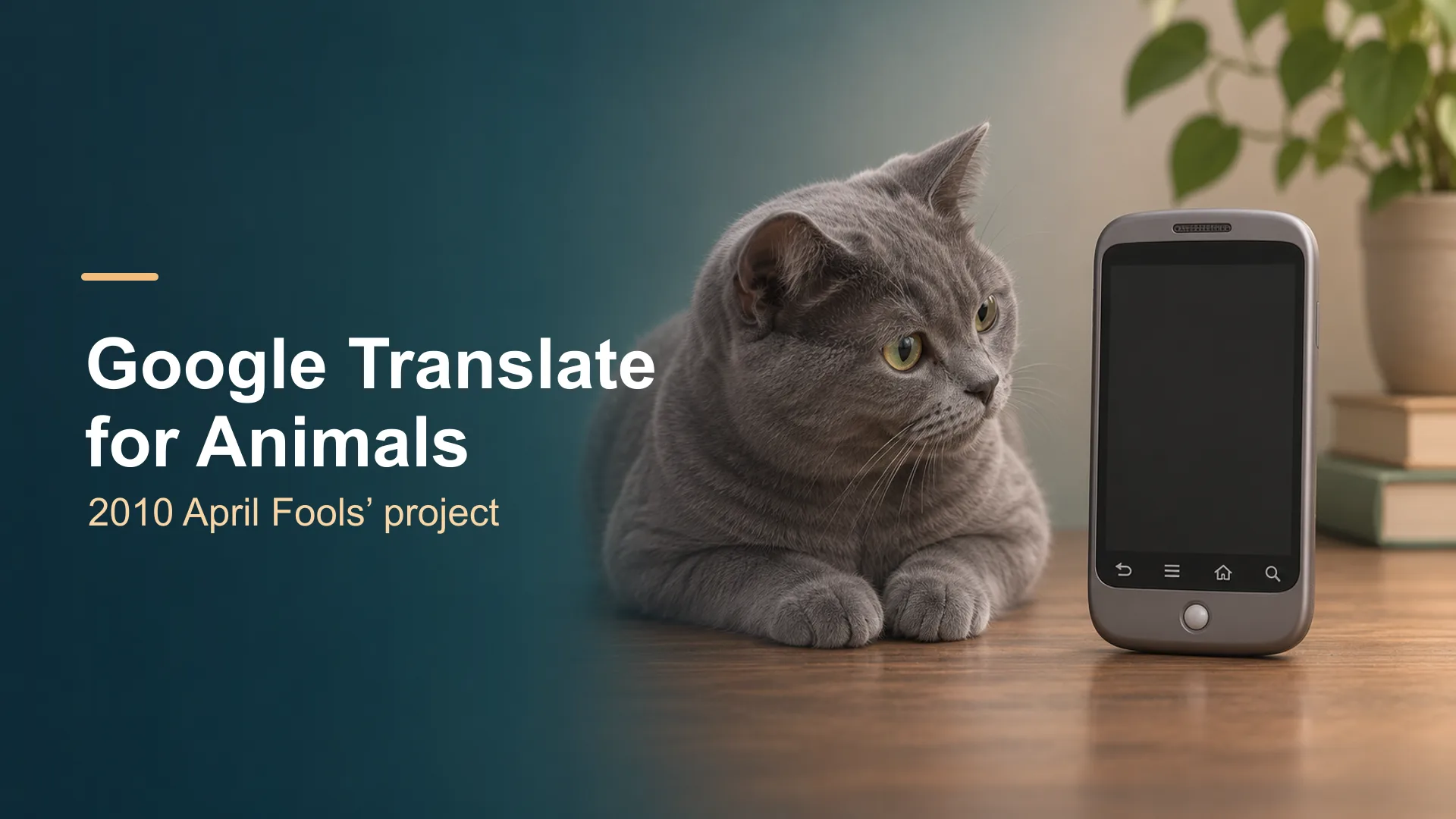




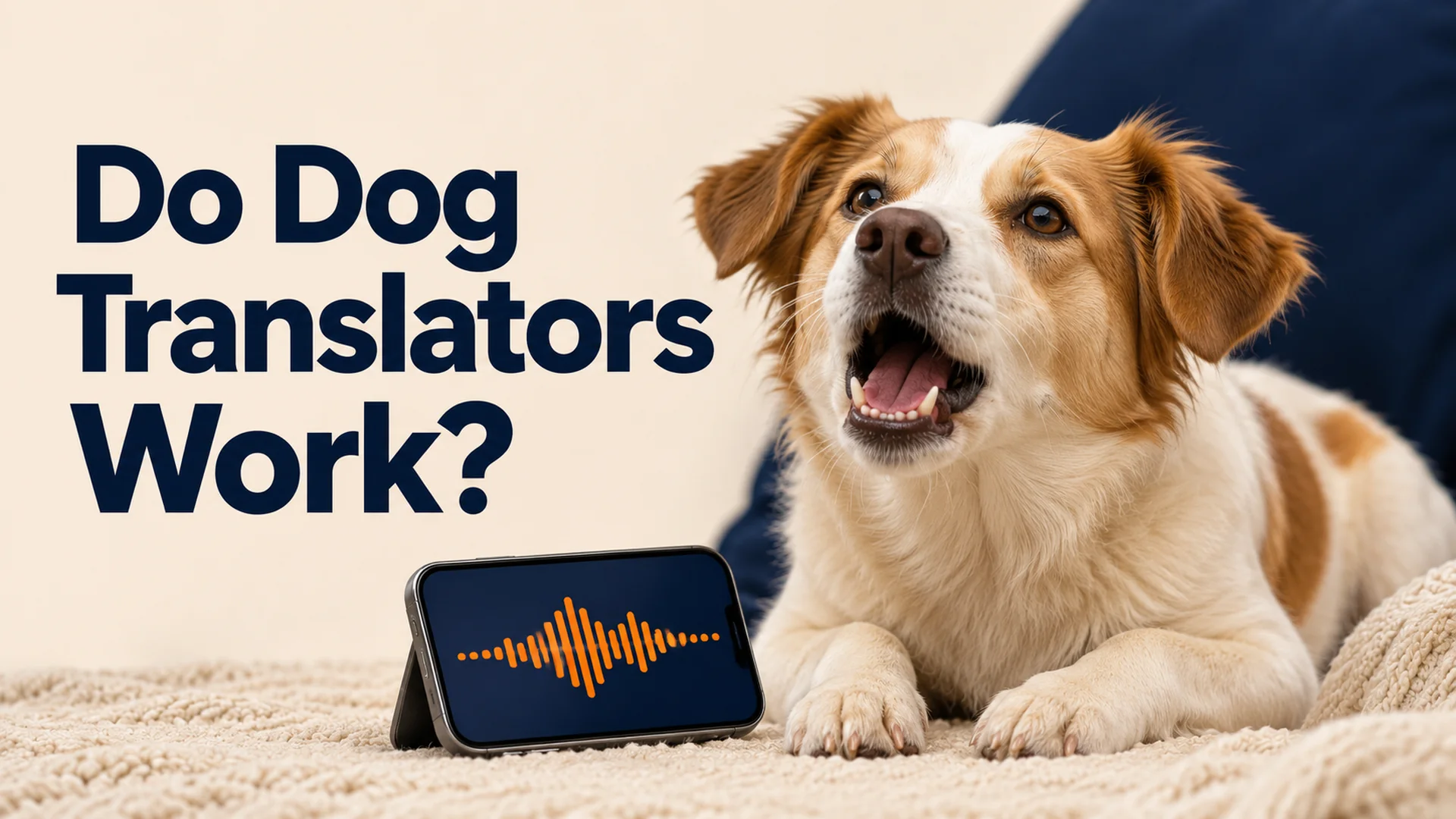
Some dog translator apps analyze a recording and suggest a sound type or a possible context. Reliable translation of everyday barks into English sentences remains unproven. A label like “alert” can give you something to check. A line like “there’s a delivery at the front door” would require information beyond the sound itself.
If an app gives you a result, ask a more useful question than whether it sounds convincing. Does the label help you notice something about the episode that you can actually verify? Where your dog was looking, what changed just before the bark, and what they did afterward usually give you a better starting point than the wording on the screen.
What Dog Translator Apps Actually Do
The phrase “dog translator” can describe several tools. One takes your dog’s voice as input and offers a description. Another takes your voice or a tap on the screen and plays a sound to your dog. A third gives you a caption written as if your dog were speaking. Before you judge a result, check what went into the app and what came out.
What you give the tool | What it returns | What you can check |
|---|---|---|
A recording of your dog | A sound category or suggested interpretation | Whether the suggestion fits what you saw before and after the sound |
Your own voice or a tap | A dog-like sound or other audio effect | Whether your dog noticed the sound and how they responded |
A photo, tap, or short clip | A sentence in your dog’s imagined voice | Whether the caption works as entertainment |
The difference between a sound type and an interpretation matters. “Bark” describes something you can hear. “Alert” proposes a reason to look at what happened nearby. “I want you to let me out” adds a specific intention. You can often verify that a bark happened and that your dog turned toward the door. To make sense of what they wanted, you still need the surrounding event and what your dog did next.
The same distinction applies to the reverse direction. If your dog turns toward a phone that just played a bark, you can see that the sound drew their attention. Their reaction alone gives you no way to tell which message, if any, they took from it. A tool can make a convincing noise while leaving the original question about communication unanswered.
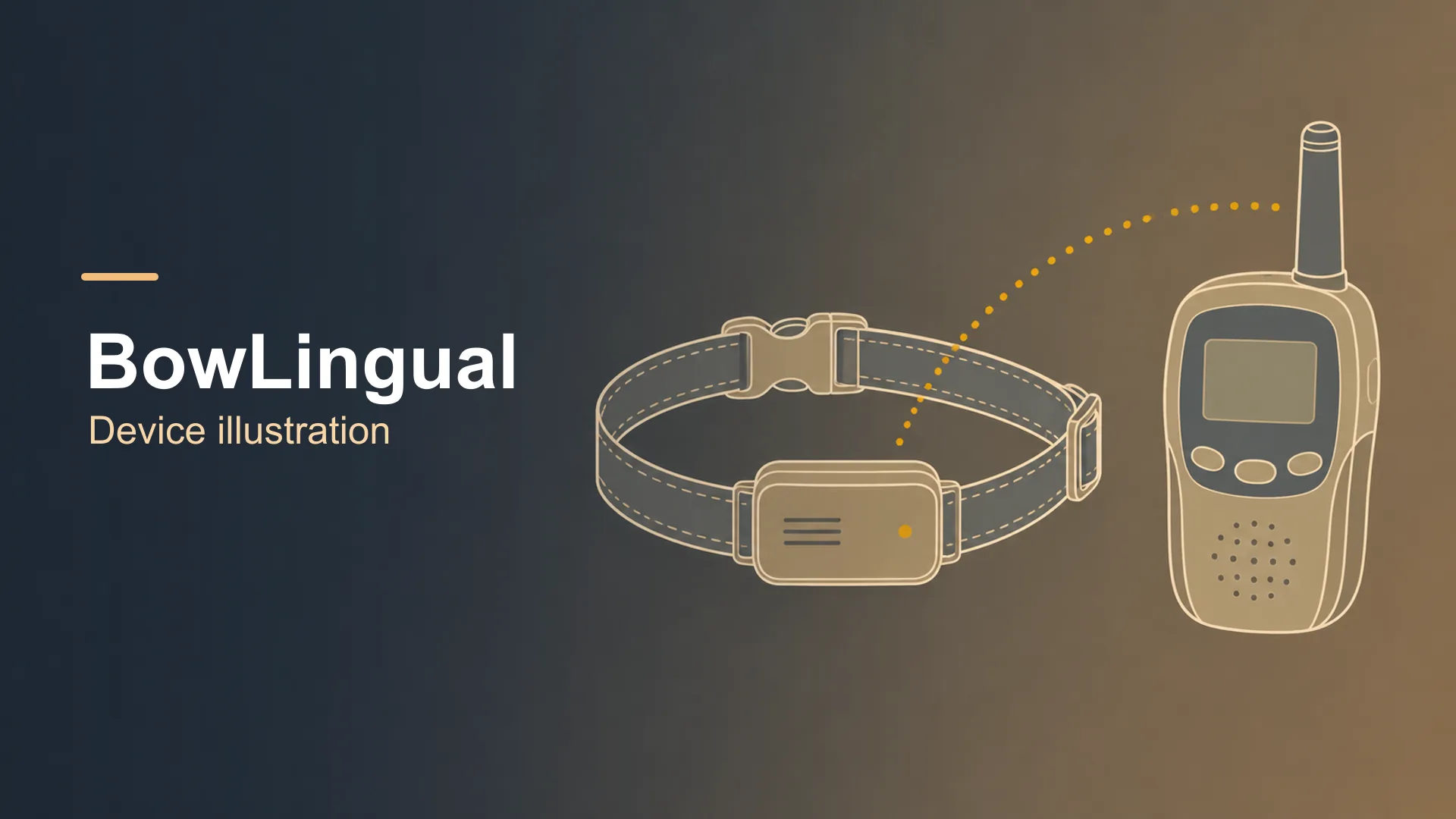
An earlier example is Takara’s BowLingual collar and receiver, which displayed short phrases selected for a recorded bark.
What Bark Research Can Tell Us
Barks can carry clues about what was going on when a dog vocalized. In a controlled playback study, human listeners grouped recordings by the situations in which they were made and performed above chance. The researchers knew what had happened when each clip was recorded, so they could score the listeners’ guesses against a reference. Pongrácz and colleagues’ playback study
Researchers have also used AI to look for patterns in bark recordings. In a 2024 experiment, a model trained to represent human speech sounds was adapted to classify dog vocalizations. For one experiment, the model chose among four selected sound categories associated with a stranger’s presence. It got about 62% correct in the study, compared with about 56% for a baseline that favored the most common class. The result varied by category. Those percentages describe the paper’s recordings and scoring method. Abzaliev and colleagues’ bark classification study
The study categories came from what researchers observed when they collected the recordings. That gives them an answer they can check, such as whether the sample came from a particular recording situation. A sentence like “I’m upset because you left me” makes a more specific claim about the dog’s experience. An app would need evidence for that claim on its own terms. Results from a research model are also specific to that model and cannot establish what a phone app does with a clip from your living room.
How to Check a Dog Translator’s Label
Start with a sound you already hear in everyday life. The goal is to find out whether the result helps you connect a familiar sound with a situation you can observe again. You can do this with one short recording and a note on your phone.
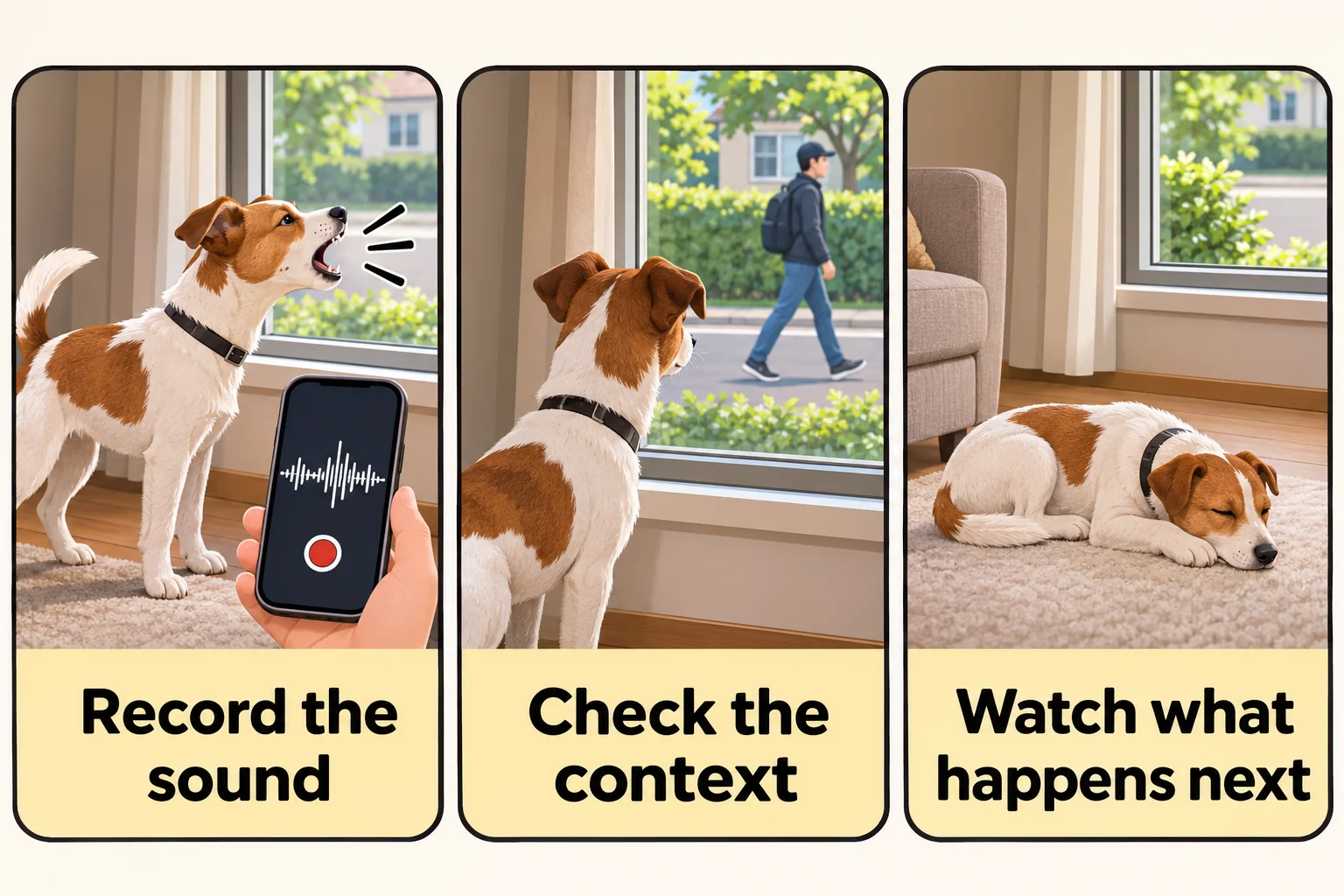
Record the sound
Wait for the episode to happen on its own and capture a short clip with one dog clearly audible. You can usually record from where you’re already standing. If the TV, a person’s voice or another dog drowns out the sound, use a clearer episode another time. Move on if your dog has already stopped. The recording is only useful if it reflects the event you wanted to observe.
Check the context
Write one line about what happened just before you heard the bark. “A person walked past the window and the dog looked toward them” is a useful observation. “The dog was angry” is an interpretation. Compare the line you wrote with the app’s label. If you saw two possible triggers, keep both in your note. The label is one more piece of information, and it may leave the same question open.
Write your note before you read the label Record the event, what your dog turned toward, and anything that obscured the sound. Seeing a label first can make it easier to remember the details that fit and miss the ones that don’t.
Watch what happens next
Imagine your dog barks twice at the window, then comes away when the passerby disappears. Later, they give two short barks next to you and drop a ball at your feet. Both clips could prompt a label like “excited.” In the first episode, the bark stopped when the person left. In the second, your dog approached with a toy. The observations give you two distinct events to track even if the app groups them together.
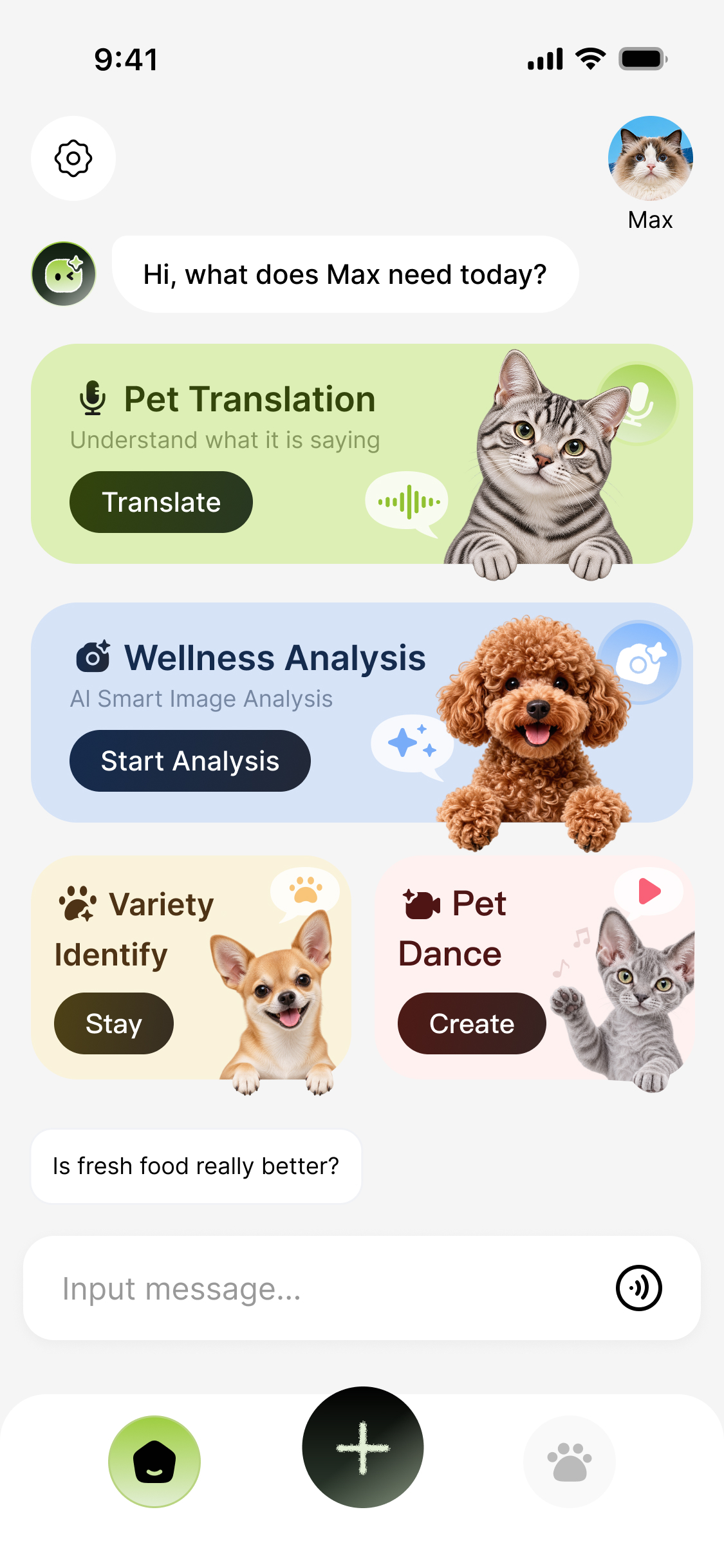
If the window episode happens on another day, compare it with the previous window clip before you decide whether the label helps. With PetMira’s Dog mode, you can record a familiar sound and reopen its AI interpretation in translation history. Keep your own observation alongside it so you can remember what happened when you made each recording. PetMira Dog Translator app
What to Check Before Paying for an App
Decide what would make the app useful to you. If you want to look back at familiar sounds, the recording and history may matter more than the richness of the generated text. If you want a tool that reliably identifies a particular situation, look for a description of how its claims were checked. Useful details include which categories it was tested on, whether the dogs in the evaluation were new to the model, and what happens when a clip is noisy or ambiguous.
One plausible result from a clean clip can show you what the tool feels like to use. An evaluation would also need examples where the proposed label is wrong or hard to choose, because those are the situations in which you need to know when to set the label aside. Without that information, judge the app by the concrete task it helps you do. A recording you can return to and an amusing caption can both have value for different reasons.
What you can take from a bark recording
Dog translator apps can help you review a sound or suggest a possible interpretation, while dependable bark-to-sentence translation remains unproven. When you try one, write down what happened and watch what your dog does next. Keep the label only if it helps you describe a pattern you can check.
Try it with a familiar sound
Compare a bark with your own observations
Use Dog mode in PetMira on iPhone to record a natural bark, whine, or howl and see an AI interpretation. Reopen the result when you hear a familiar sound again.
 Capture a sound as it happens
- Compare the interpretation with your notes
- Revisit earlier results in translation history
The app offers an AI interpretation. Your observation supplies the context.
Download iOS App