



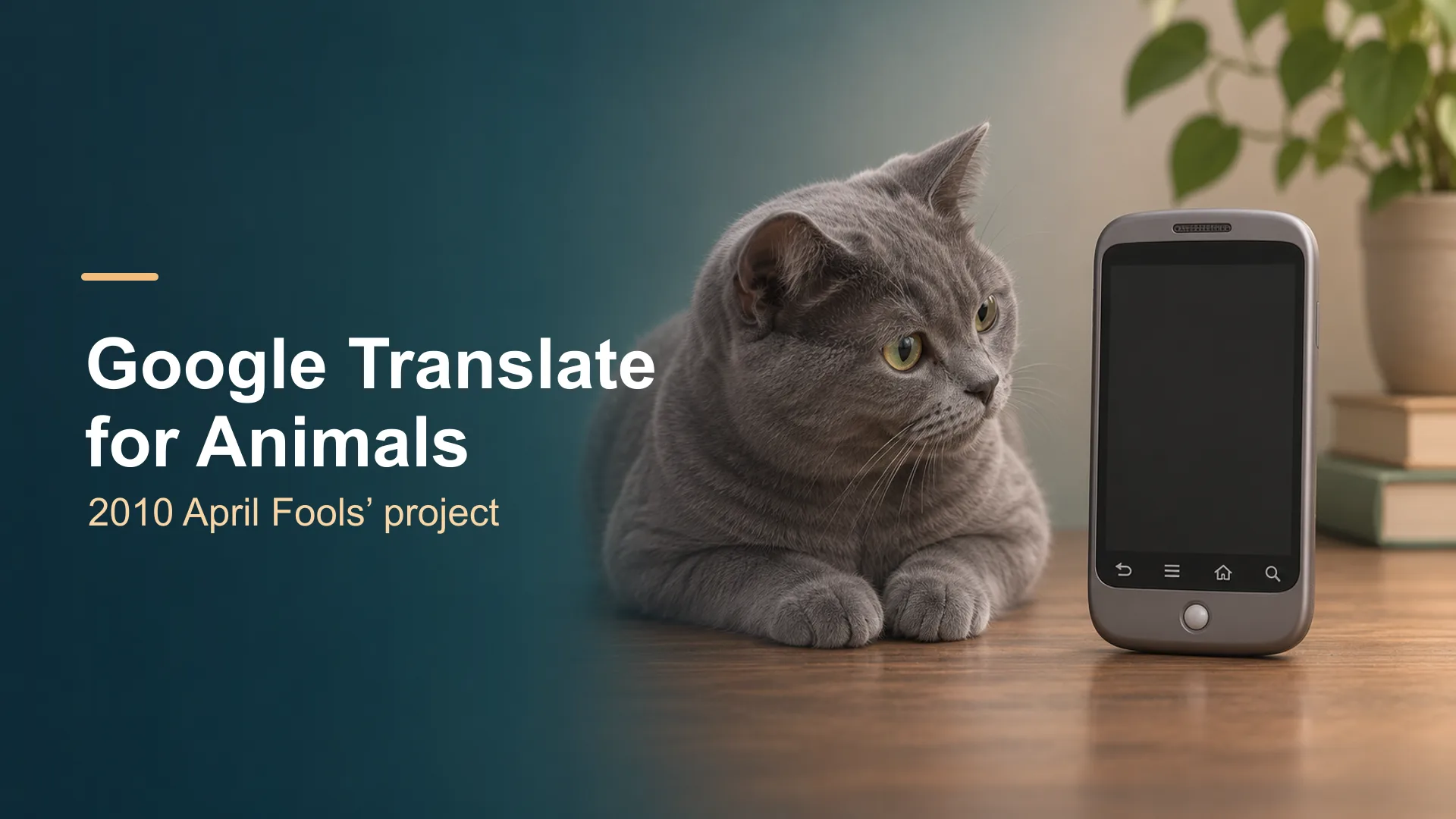
Google Translate for Animals was a 2010 April Fools’ app that people could download from Android Market. It used prewritten animal dialogue as part of the joke. The video showed it on a Nexus One, and Google still hosts the old campaign site. Today’s Google Translate handles human languages, including speech, and offers no supported animal-language mode.
If you’ve landed on the old page, there are three things to separate. There’s the original joke, there’s the current Google Translate product, and there are modern tools that identify or interpret animal sounds. All three can show you an impressive-looking result on a screen. They do very different things with the sound they receive.
What Google Published in April 2010
The archived site shows what users were invited to try. Pick an animal, record a sound, and get a line in English. The tour and installation directions appeared alongside familiar Google Translate branding. The archive still shows the Android Market instructions and a QR code, so a reproduction of the old page can look like an active product even years after the joke. Google’s archived Translate for Animals site
Google’s Translate blog announced availability in Android Market on April 1, 2010. The campaign team confirms that it wrote the animal dialogue, built the app, released it on Android Market, and filmed the Nexus One demonstration. People really could install the novelty. The English lines came from dialogue the team had written for the campaign. Google Translate’s original announcement Campaign team’s project account
You can use the archive to see what the original release looked like. The tour shows the approach Google used in 2010. A current link to the archived page helps you verify the history. Check the present app’s documentation separately when you want to know whether its microphone supports a particular input. If you find a screenshot with a download prompt, see whether the surrounding text points to the old Android Market or to today’s Google Play listing for the main Translate app. That detail can help place the image in time.
How to Recognize the Page You’re Looking At
What you find | What it tells you | Useful next step |
|---|---|---|
The archive at archive.google | You have the original project page or tour | Read it as a historical demonstration |
The April 1, 2010 Translate blog post | You have the company’s announcement for the joke | Compare the post date with the date on the video or screenshot |
Current Google Translate Help or app listing | You have instructions for available human-language features | Check the supported input and language for the task |
A video re-upload or third-party app | Someone has shown or advertised an animal-sound result | Look up who made it and what it actually claims to process |
If a page tells you to download something, check where the link leads and read the publisher name. A copy of the old tour might preserve the original install wording. A recent page might reuse a familiar phrase to describe someone else’s app. Neither date nor branding on a screenshot is enough to tell you what software you’re about to install. Use the app store publisher and its current description to decide what service you are looking at.
If you see a social post that claims the feature is back, open the linked material and inspect its date. A new caption can sit above footage from 2010. Then look for the advertised feature in the current product help or release information. A recently republished recording can confirm that people are discussing the joke again. The current documentation is where you would expect to find instructions for an actual rollout, including supported platforms and inputs.
Verify the publisher and feature together If someone sends you a download link, check its current app listing and official Help page for the exact capability before installing it. A matching name alone is weak evidence.
What Happens If You Play an Animal Sound Into Google Translate Today?
A speech feature expects audio that contains human speech. It may return nothing usable if it hears a bark or a meow. If it shows text while someone speaks near the animal, that text can reflect the person or other audio in the clip. A surprising word on the screen gives you a reason to check what the microphone captured. It does not establish that the animal produced that word. Google’s current Help describes text, handwriting, photos and speech as inputs for supported language tasks. Current Google Translate Help
Imagine you play a clip of your dog barking at a window. In the background, someone says “outside.” A result containing that word would fit the situation neatly. You already have a simpler explanation: the microphone picked up a person saying it. Remove the speech and you have a different clip. The example shows why a result can feel accurate without showing which part of the audio generated it.
Typing “the dog barked” into a text translation box translates a human sentence about the dog. Looking up a sound word is similarly a vocabulary task. Neither tells you what a particular animal intended in a recording. Knowing which of those tasks you want saves time when a video uses all of them to illustrate “animal translation.” A translated subtitle in a video can also come from its human narration or caption track. Check whether the result followed spoken narration or the animal’s own sound.
What a Real Animal-Sound Tool Would Need to Show
A tool can start with a question that has a checkable answer. Does this recording contain a cat? Does the call resemble the examples in a reference library? Do similar recordings occur during play or when a person approaches? To test a claim like that, someone needs examples where the caller or context is independently known. They can then compare the results with those known examples and report where the tool gets confused.
A sentence that says what an animal supposedly wants makes a stronger claim. The observer might recognize a familiar situation, but identifying that situation gives much less information than knowing a precise intention. A dog can bark when a car goes by or when someone approaches the gate. Even when the two episodes sound alike, a photo or recording alone can leave those possibilities open.
For a familiar pet sound, you can keep the original recording and write down what happened before and afterward. If you only want to revisit the 2010 joke, the official archive is the clearest place to go. For a present-day sound output, ask whether the tool gave you a sound name, a suggested context, or a sentence written around the sound. This tells you what you can check and what remains uncertain.
If you are evaluating a product today, compare what modern dog translation claims can show.
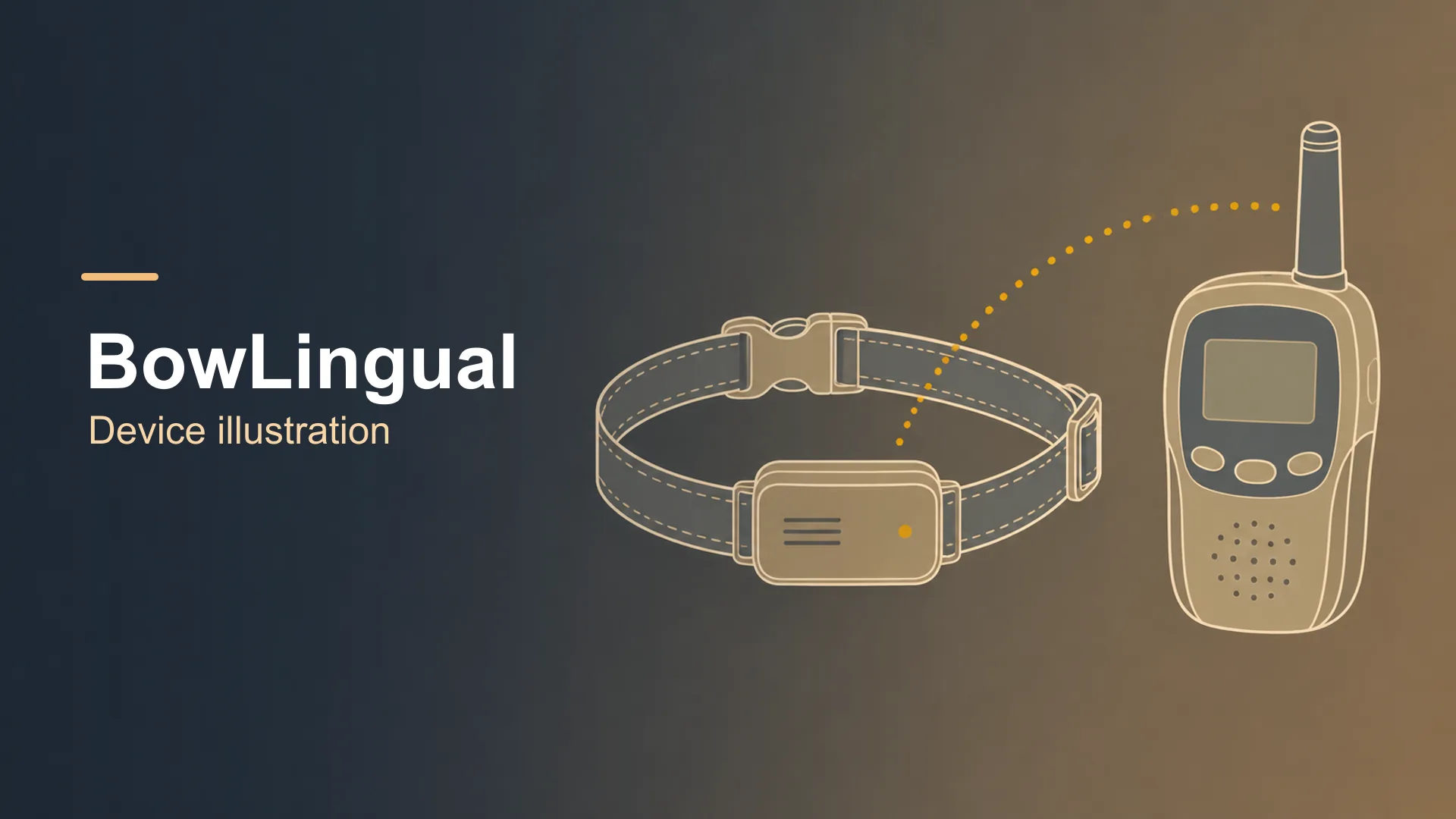
For a historical example of hardware sold for this purpose, see what the original BowLingual device did.
Takeaway
Google launched an installable April Fools’ novelty on Android Market in 2010. The filmed Nexus One demo used dialogue written for the campaign. Visit the archive for the original joke and use current Google Translate for human-language tasks.
PetMira for iPhone
Explore a recording of your own pet with PetMira
PetMira offers its own AI interpretation for recordings of your cat or dog. Record a natural sound on iPhone and compare the result with what happened around it.
 Record your cat or dog
- Review an AI suggestion alongside what you observed
PetMira is a separate pet-care app from Google Translate.
Download iOS App