



Cat translator apps can record a sound and offer a possible interpretation. A convincing sentence on the screen does not establish that your cat expressed that exact thought. A useful result gives you an observation to check. If the app suggests your cat wants attention, look at where they went, what was happening just before the meow, and what changed after you responded.
The easiest way to evaluate an app is to start with a familiar meow and find out what the app does with it. Keep the scene and the app’s answer separate. That makes it easier to see whether the suggestion points you toward something useful or simply describes a situation that could fit almost any cat.
What Are Cat Translator Apps Actually Doing?
Start with the input. One app may record your cat’s vocalization and try to classify it. Another may play a recorded or generated meow when you speak or tap. A third may let you put an imagined caption over a video. These formats can all be entertaining, while each one asks you to judge a different kind of result.
App input | What comes back | A good question to ask |
|---|---|---|
A recording of your cat | A category or suggested interpretation | Does it fit an event I can observe? |
Spoken words or a tap | A meow-like recording or generated sound | Did my cat notice it, approach it, or move away? |
A photo or video | An imagined caption in a cat’s voice | Does it work as a caption for the clip? |
Read the result in pieces. “Meow” identifies a sound type. “Attention” suggests a possible reason to look at what happened nearby. A sentence like “I want you to open the window” supplies a much more specific story. You can check whether the cat was near the window and whether anything moved outside. The phone’s words alone cannot tell you which piece of the scene held the cat’s attention.
If the app plays a sound to your cat, watch their reaction without treating it as a translation. An ear turn tells you they noticed something. Looking toward the speaker shows where they directed their attention. You need a separate observation to know if a familiar cue or ordinary household routine helped explain what the cat did next. Let your cat walk away if they choose to leave.
If your question is how the cat responds to the sound you make, see what a cat may notice when you meow.
What Researchers Tested With Recorded Meows
Researchers have asked people to sort recorded domestic-cat calls according to the situations in which they occurred. A study by Nicholas Nicastro and Michael Owren found that listeners could identify contexts above chance, with performance still well short of consistently correct. The researchers could compare each response with the known situation in which the call had been recorded. That is a useful test of information in a sound. Nicastro and Owren’s original study
In a 2020 study, Emanuela Prato-Previde and colleagues asked listeners to choose among three contexts for recorded meows: waiting for food, being alone in an unfamiliar place, and being brushed. Even the most representative clips did not produce context judgments reliably better than chance. Meows recorded while the cats waited for food were the easiest of the three to place, but most of those answers were still incorrect. Prato-Previde and colleagues’ study
Both projects used defined recording situations and a way to score the guesses. They did not measure the accuracy of a commercial translator, and the results cannot tell you what a particular iPhone app would do. If an app advertises a number, look for the name of the tested model, the cases it handled, and the reference used to decide whether its answers were correct.
Test One Label Against a Familiar Routine
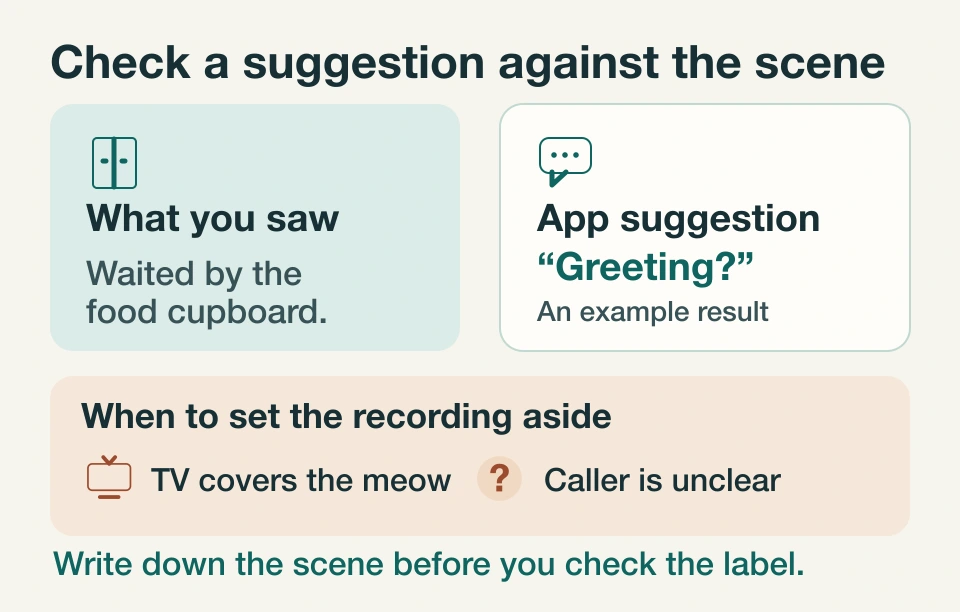
Choose a routine that gives you a visible clue to compare with a label. For example, a cat might call by the food cupboard before you open it, then make a similar call while walking toward you after a nap. Write down what happened first, including where they stood and where they went next. Give the events short labels of your own such as “cupboard before dinner” and “walked over after waking.” Keep those scene descriptions through the rest of the comparison.
Take “greeting” as an example output. You can see whether the cat came over after their nap, but even there a description of their movement is more specific than the label. In the kitchen, notice whether the sound starts before you touch the cupboard and whether the cat stays focused on it as you move. A phrase about wanting dinner may be compatible with that scene. The repeated sequence through the routine is the part you can verify. If an app labels a call “hungry” when the only event you saw was an approach after a nap, keep the specific claim open.
Keep the exact event next to the app’s label Write “by the food cupboard before dinner” or “walked toward me after a nap.” A specific observation stays useful even when the app gives an unclear interpretation.
Set aside a clip if television dialogue covers the meow or if you cannot tell which cat called. In a multi-cat home, write “caller unknown” when you only heard it from another room. A later result from a known cat, even with the same label, cannot settle who made the first sound.
Repeat the comparison on another day if the moment happens on its own. If the same cat calls at a similar time and place, look for a pattern in what you can observe. Did they stay near the cupboard when you moved away, or did they walk toward you? Compare those notes independently of whether the app’s label stayed the same.
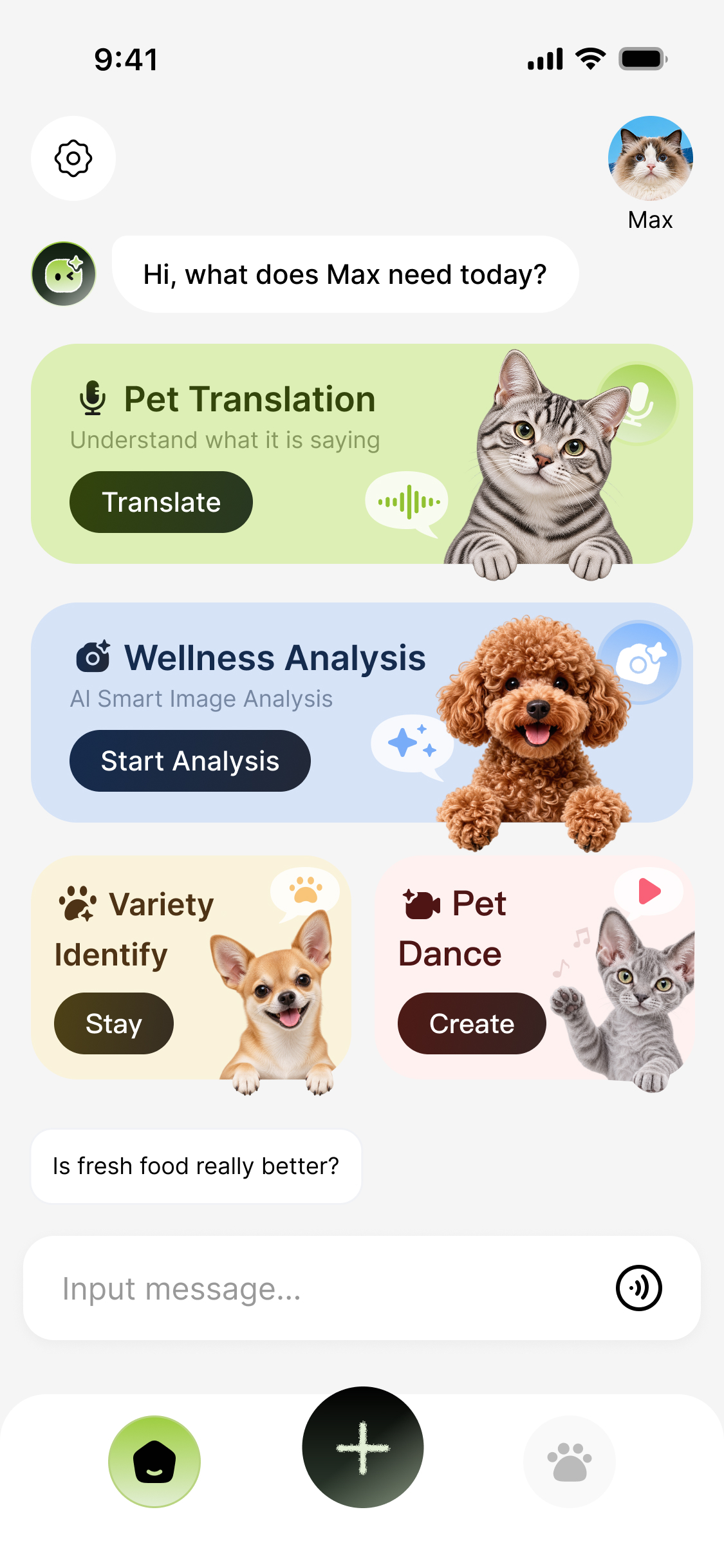
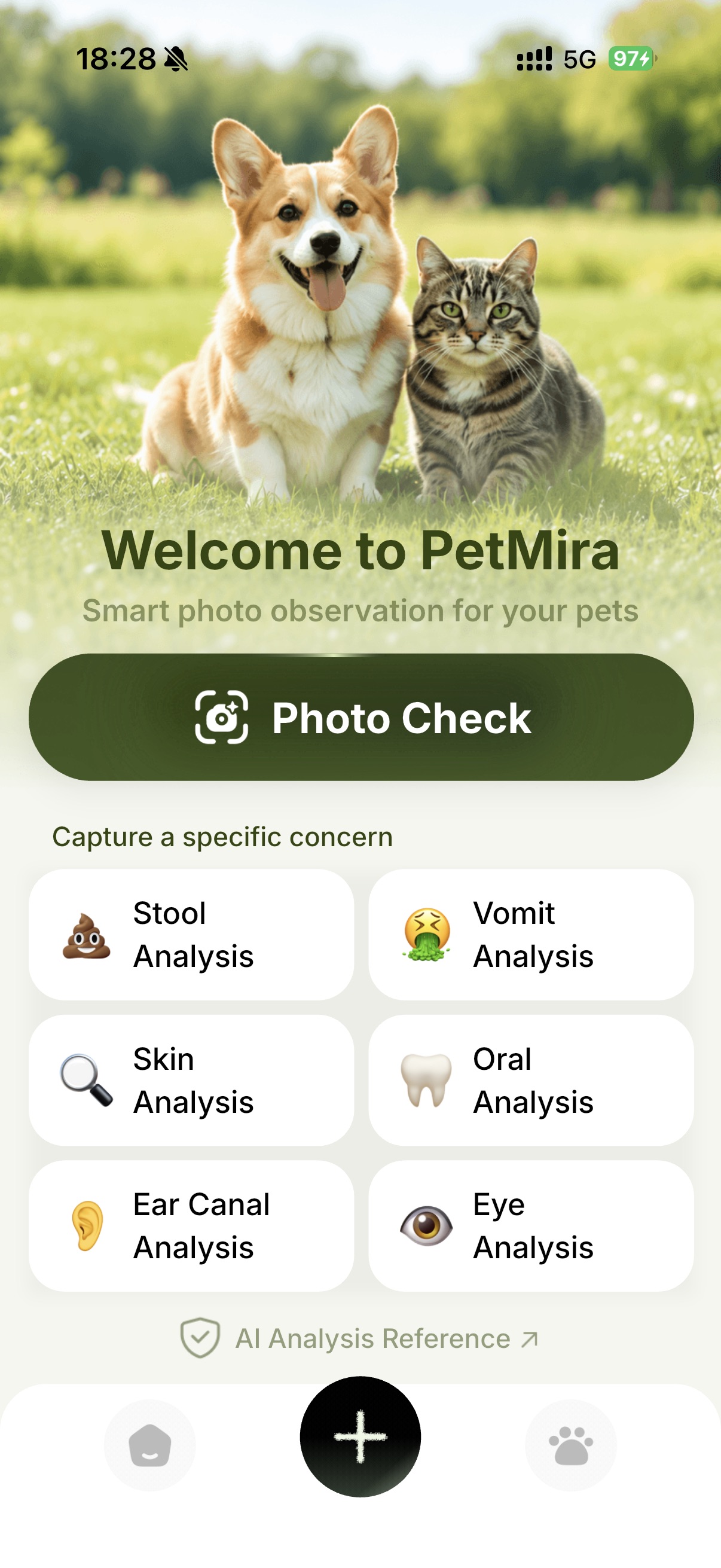
PetMira’s iPhone app offers recording and an AI interpretation for pet vocalizations. If you use it, compare what it suggests with the note you wrote for that recording. An app can point you back to a familiar routine. Your own observations are how you know which cat was near the cupboard and what they did. PetMira on the App Store
What Makes an App Useful to You?
Before paying, decide which part of the process you want help with. You might enjoy captions, want an easy way to record a natural meow, or want suggestions that direct attention to different possible circumstances. Those jobs can each be useful. A fluent result that matches your expectations once does little to show whether the app would be useful tomorrow.
A stronger interpretation claim would need clear evaluations across different cats and recordings. Look for an explanation of the categories, whether the cats in the evaluation were unfamiliar to the model, and how ambiguous or noisy recordings were handled. If you cannot find those details, judge the app on the modest task you can verify in your own use. The most useful result may be a specific observation you noticed while comparing recordings.
To build a baseline for your own cat, compare what common cat sounds can tell you.
Takeaway
Cat translators can offer a way to review a meow and think about possible contexts. Start with a natural call from your cat, write down the scene first, and check whether the result adds a useful observation. Treat precise sentences as possibilities supplied by the app.
PetMira for iPhone
Compare one familiar meow with your notes
Record one natural call from a cat you can see. In the PetMira iPhone app, compare the AI interpretation with where your cat stood and what they did next.
 Start with a clean clip from one identified cat
- Write down the event before reading the suggestion
An AI suggestion can prompt a closer look at the moment you recorded.
Download iOS App