



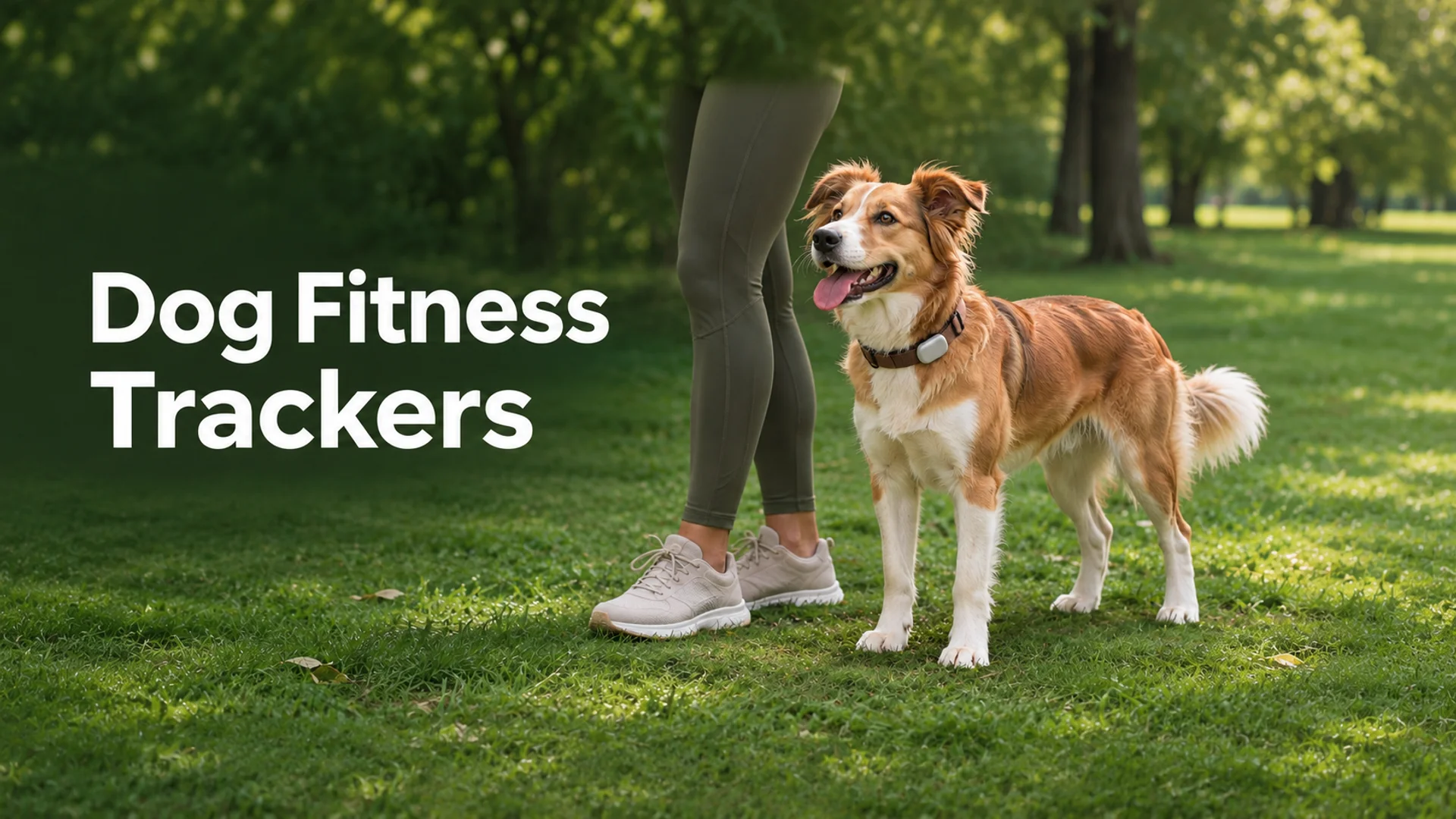
The best dog fitness tracker depends on what you want to check. FitBark 2 and the PitPat Dog Activity Monitor suit owners who want activity and rest trends with no monthly device service fee. Tractive DOG 6 and Fi's current GPS trackers combine location features with activity information. Maven is worth considering when your main question involves specified health trends you can discuss with your vet.
Start by naming one job for the device. You might want to compare ordinary walks, locate a dog who gets out, or follow a particular resting measurement. This guide compares functions described in official product and support pages checked on November 19, 2026. Match the model, service plan, and local availability before you order.
Choose the Job Before the Device
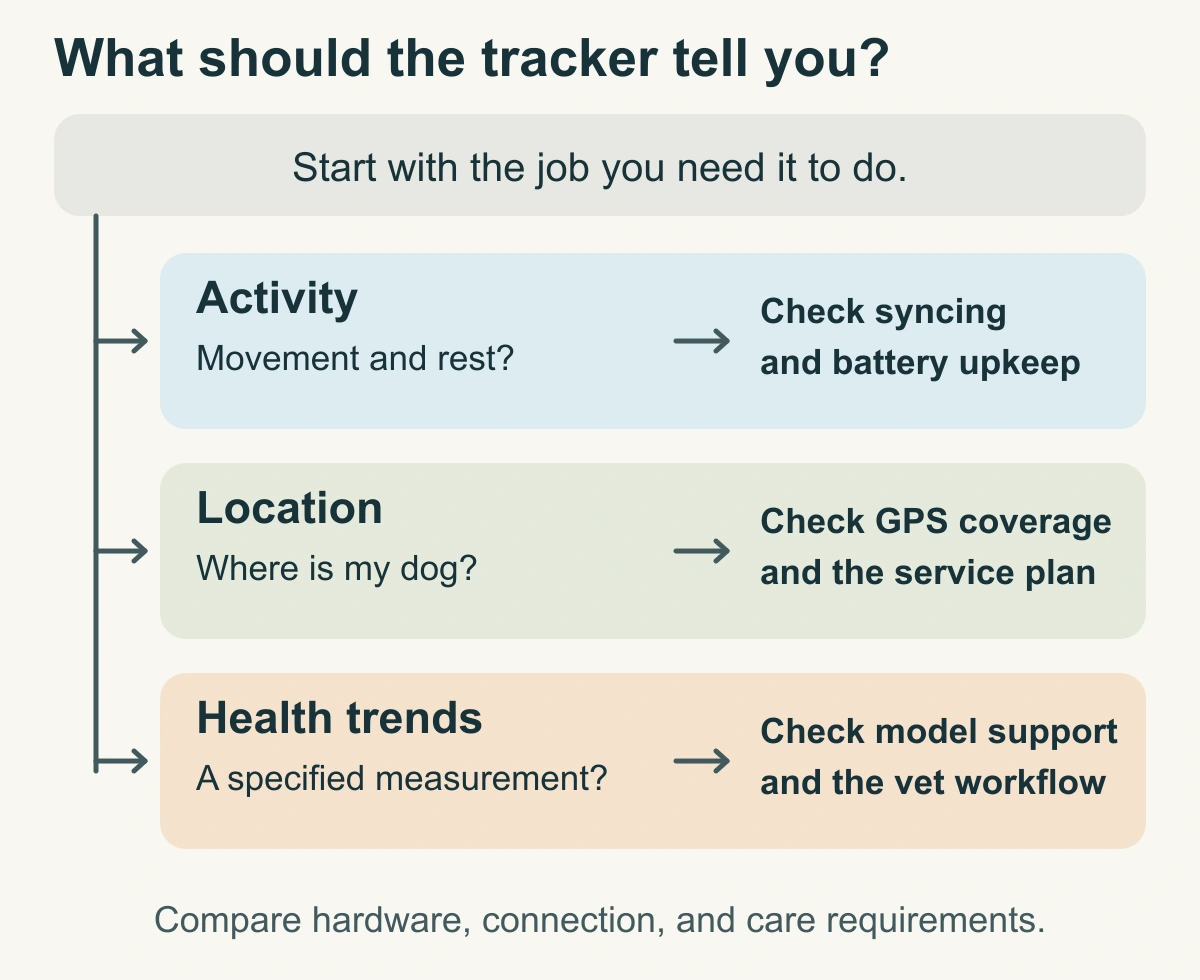
A movement tracker can help answer whether your dog was more or less active during a particular period. A location tracker answers where the dog is, subject to the system's coverage and update behavior. A health-focused sensor may add specified measurements, such as resting respiratory trends. The word “health” on a product page can cover several different combinations.
Imagine you walk the same route each weekday and want to see whether your dog is getting comparable activity with another caregiver. A light activity monitor may be enough. If your main concern is an escape through the back gate, check live location, connectivity, and alerts first. If your veterinarian wants a specific measurement followed, ask which device and report format can support that plan.
Use the table to narrow the shortlist. Keep features tied to the named model. An activity-only device and a GPS device from the same brand can have different service requirements.
Option | Most useful starting purpose | Location capability | Ongoing service consideration |
|---|---|---|---|
FitBark 2 | Activity and sleep trends in a small attachment | Bluetooth activity monitor | No monthly device fee |
PitPat Dog Activity Monitor | Exercise and rest with simple upkeep | Activity model has no GPS | Subscription-free |
Tractive DOG 6 | GPS location alongside activity and compatible health features | GPS with cellular connection | Tracker subscription required |
Fi Series 3+ or Fi Mini | GPS and daily habits, with a collar or attachment choice | GPS with cellular connection | GPS/LTE plan required |
Maven | Specified resting health trends and activity | Health-focused sensor, no GPS service | Membership plan |
Compare the Trackers by Their Trade-offs
FitBark 2 for Activity Tracking Without a Monthly Fee
FitBark 2 is a small, collar-mounted Bluetooth monitor. The maker lists activity and sleep monitoring, a weight of 10 grams, and battery life up to six months. Those features make it a reasonable shortlist choice when regular movement and rest comparisons matter more than a live map.
Check how syncing will fit your routine and who will handle the phone connection. A Bluetooth activity device can collect useful trends during a normal day, while the location question requires different hardware. FitBark sells a separate GPS model. Its subscription guidance distinguishes FitBark 2's no-monthly-fee setup from the GPS service fee. Compare the exact model names before buying a discounted listing.
PitPat for a Straightforward Exercise and Rest Record
The PitPat Dog Activity Monitor uses movement data to present exercise and rest information. Its official US store describes a subscription-free device and a replaceable battery. It is a practical candidate for an owner who wants a small attachment and would prefer replacing a battery to remembering another charging cable.
The activity model does not supply GPS location. PitPat's GPS tracker is a separate product, so check the title on the cart and the package. Also distinguish measured movement from estimates calculated by software. A calorie estimate can help frame a question about exercise, but adjusting food still requires the right feeding plan for your dog.
Tractive for Location Plus Activity Information
Tractive DOG 6 combines location tracking with activity and sleep features. Compatible devices also provide health-related trends, including resting measurements. Check the feature list for the specific model and country, especially if one health metric is the reason you want it. Available measurements and automatic notifications can differ.
The tracker uses a subscription and cellular connectivity to send location information. Test coverage where your dog actually spends time, including ordinary walks and the area around home. A route on a coverage map is a starting point. Seeing how location updates behave on your normal route is the practical check once you have the device.
Fi for a Collar or Attachable GPS Setup
Fi's current lineup includes the Series 3+ integrated collar and the Mini attachment. The manufacturer describes GPS location, activity, sleep, and daily habit features, with a GPS/LTE plan for connected service. The physical choice can matter before you compare the app. One owner may want an all-in-one collar, while another wants an attachment for existing equipment.
Check neck size, attachment placement, and whether the setup interferes with the dog's usual harness or identification. Read the plan terms alongside the product price. If you are changing collars, keep your ordinary identification arrangements in place while checking fit and the new setup.
Maven for a Specific Health-trend Question
Maven's dog health tracker description includes activity and rest alongside resting respiratory rate and other specified health-related trends. Its current materials also describe heart-rate tracking. Bring the exact measurement and device description to your vet if you want to use it with an existing health plan.
Maven's FAQ says it does not provide GPS service. Its role here is monitoring particular trends, with a membership and connectivity requirements to review. Ask how results are generated, how long a baseline takes, and what the clinic would want to see. A movement total, a resting measurement, and a behavior estimate deserve separate explanations.
Work Out What You Will Pay and Maintain
Compare the total for the period you expect to use the device. Include hardware, required service, an attachment or collar if needed, and any replacement items. “Per month” can be the equivalent cost of a longer prepaid term. Check the amount charged today, the renewal date, and what continues if you cancel.
For a budget example, set hardware at $80 and a one-year service plan at $120. The first-year total is $200 before taxes, shipping, and optional accessories. Substitute the current cart prices for each device before comparing. A cheaper attachment can end up with a higher total if it requires service you were not planning to buy.
Choose upkeep you can sustain. A device left charging during every walk leaves gaps in the activity you wanted to compare. A replaceable battery needs its own reminder and the correct replacement. Read waterproofing and attachment instructions for the model you choose, especially if your dog swims or rolls frequently.
Check the whole setup on your dog Compare the tracker with the collar, harness, and ID tag your dog already wears. Follow the manufacturer's fitting instructions and watch for rubbing, shifting, or interference during a normal walk.
The dog breed differences guide explains why similar weight can still mean different neck, chest, and body dimensions. Check the individual dog's fit even when a product is advertised for a broad weight range.
Use the First Week to Check the Fit of the Data
Follow the maker's setup and baseline instructions, then keep a simple note of a few ordinary events. Compare a familiar walk, a quiet afternoon, and a more active day. Check that the device was attached and had enough power during those periods. An apparent drop deserves that equipment check as well as a look at the dog.
If a tracker reports less activity, ask what happened. Bad weather, a new route, a different caregiver, a loose attachment, or the dog's behavior may matter. The dog health monitoring guide shows how to turn those observations into information your vet can use. A daily score becomes more useful when you can explain the event behind it.
PetMira's photo-based care log can add visible context, such as a dated picture of a skin or coat change. Keep wearable readings and written activity notes with their own sources. PetMira's supported photo records serve a different role from automatic movement or resting measurements.
Takeaway
Choose a tracker around one job, then check the exact hardware, connection, service term, and physical fit. Compare its output with events you actually observed before acting on a change. Use your own notes and relevant photos in PetMira to add context when you discuss a concern with your vet.
PetMira for iPhone
Add visible context to your care notes
PetMira’s photo-based care log can organize images of supported visible changes. Keep wearable readings and your own written observations alongside them.
 Keep visible observations in a photo record
- Review changes alongside everyday notes
Available on the App Store
Download iOS App