



A cat breed identification app can suggest what breeds a cat resembles from a photo. PetMira is a good fit if you use an iPhone and want photo suggestions alongside regular care tools. Cat Scanner works across iPhone and Android. Two similarly named Apple apps, Cat Breed Identifier: Pet Scan and Cat Breeds Identifier, offer different ways to revisit results, and Catium gives Android users a dedicated scan history. Pick the app that helps you read your cat’s visible traits, especially if the cat came to you without an established breed history.
Compare what each cat breed identifier gives you
App | Platform | Most useful for |
|---|---|---|
PetMira | iPhone | Possible breed matches alongside a pet care profile |
Cat Scanner by Siwalu | iPhone or Android | A dedicated scanner and a browsable breed library |
Cat Breed Identifier: Pet Scan | iPhone or iPad | Revisiting scans and reading longer breed profiles |
Cat Breeds Identifier | iPhone or iPad | A short photo result to look up or share privately |
Catium | Android | A history tab for reviewing earlier photo results |
Start with the result you want to keep. A one-time scan for a friend’s photo calls for a quick, readable answer. Learning about your own cat over time benefits from accessible profiles or scan history. If the cat’s shelter form says domestic medium hair, the scan can suggest similar features without needing you to replace that sensible description.
PetMira for an iPhone owner learning about one cat
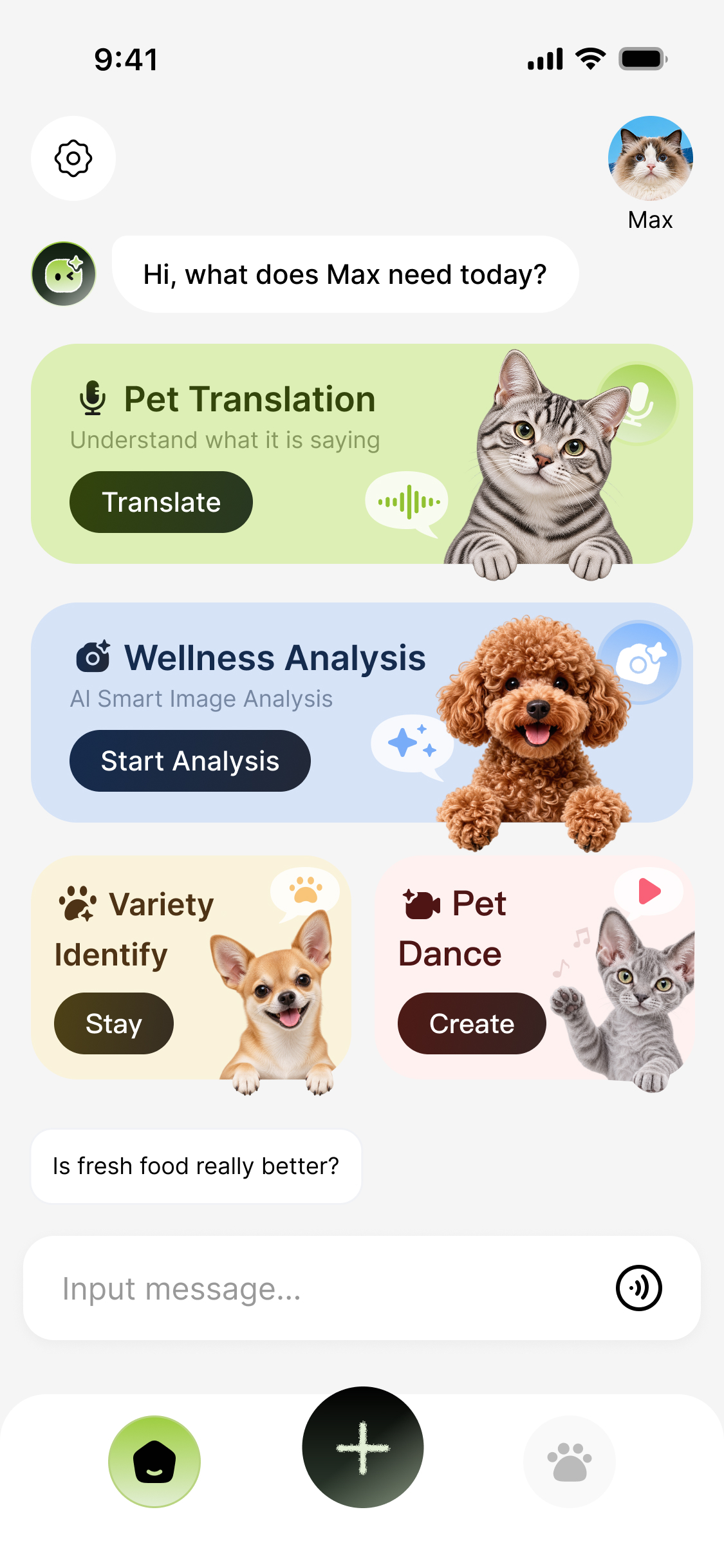
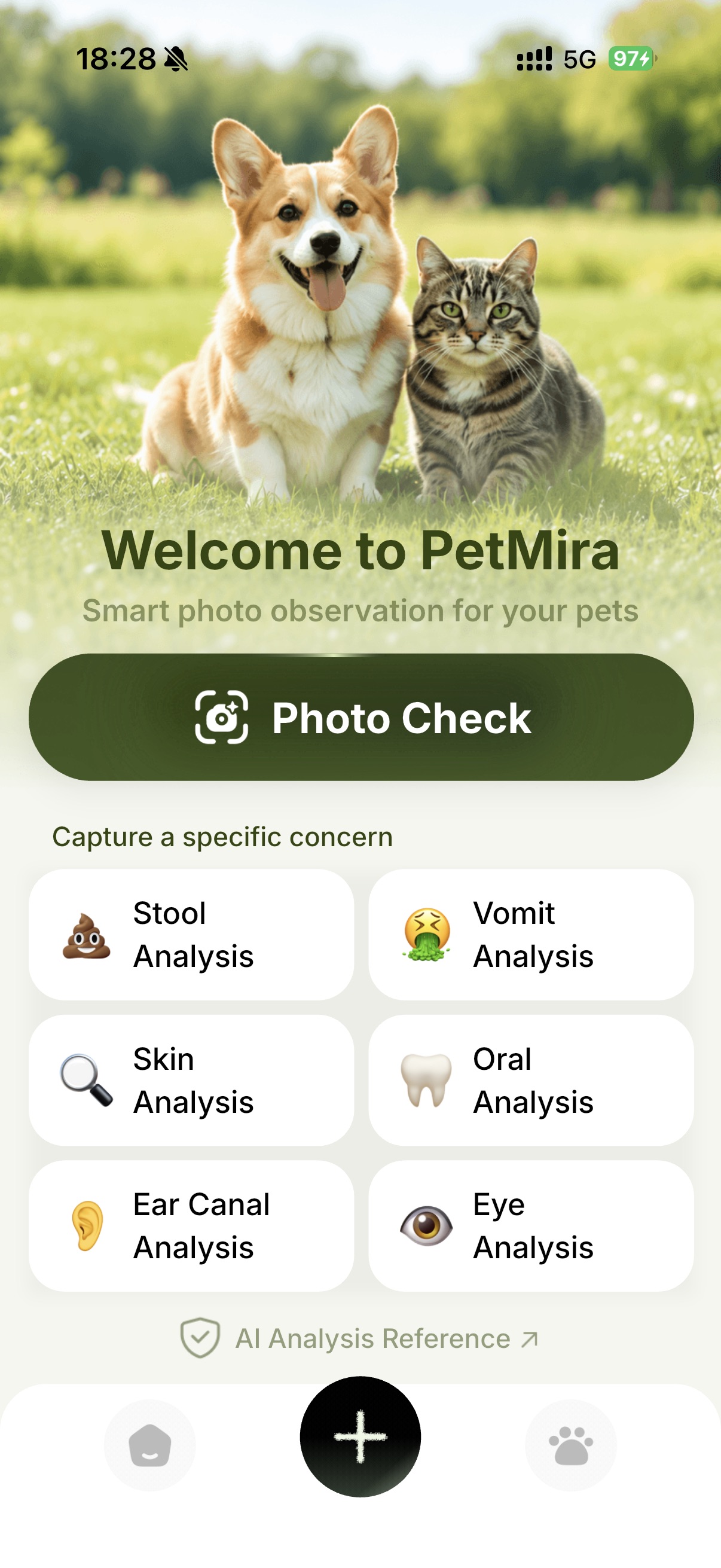
In PetMira, take or upload a clear picture of your cat to see possible breed matches and related information. This works well when the photo prompts a more specific question. Along with a long coat, does that cat have a short broad muzzle, or does the muzzle look longer from the side? Is the tail unusually full, or is only the coat around the neck catching the light? Use the result to decide what to examine next. If you also want a record of visible changes, the app offers a photo log for areas such as fur and skin.
The breed outcome depends on visible features. Two parents from different backgrounds can produce a cat that resembles a familiar breed from one angle. Avoid using a suggested name to set a diet, support a sales claim, or describe pedigree without a record.
Cat Scanner for a reference you can browse
Cat Scanner is available on iPhone and Android according to the developer. You can snap a picture or use a gallery image, then browse breed information, including when you do not want to scan a new photo. It helps when you want to check whether a breed profile really resembles the cat across multiple examples. A similar face in one sample photo matters less than a consistent set of traits such as body proportions and coat texture.
The app also has optional social and premium features. Verify which features your store and plan include if you need offline access or fewer ads. Using the scanner and posting a picture are separate choices. If you just want a private comparison, avoid sharing identifiable surroundings or reposting an adoption photo without permission.
Cat Breed Identifier: Pet Scan for reviewing earlier guesses
DREAMTEAM APPS’ Pet Scan listing describes scan history, a breed gallery, and breed details that include grooming and temperament. History is useful if you want to compare what the app suggested for the same cat in a first photograph and a more informative second one. A list of past guesses can show that a label changes when a tail, body, or face is hidden. Treat the developer’s performance claims as descriptions of its own product, and check whether the store’s paid options match how often you expect to use it.
Cat Breeds Identifier for a short result
The App Store listing by Jorge Gregorio Martin Bello describes a short breed description after analyzing a picture, with sharing options. That is sufficient for a casual lookup when you want one possible name to research. When you need a detailed contrast between similar-looking candidates, keep notes on your own observations or choose a tool with a browsable library. Verify the developer and title in the store before installing, since the name differs from Pet Scan by only a few words.
Catium for reviewing scans on Android
Catium’s Google Play listing describes a camera scan, breed descriptions, and a history tab that saves results. Use that history to compare the same cat under different conditions, such as a side view in daylight and an older image taken under warm lamps. If one image is blurred, leave it out before drawing conclusions from the pair. This is a focused alternative for an Android user who wants to reopen prior scans without using a general pet care app. Breed profiles and care tips are general information. Discuss food, grooming difficulties, and health changes in the context of your actual cat.
Help the app see more than the coat
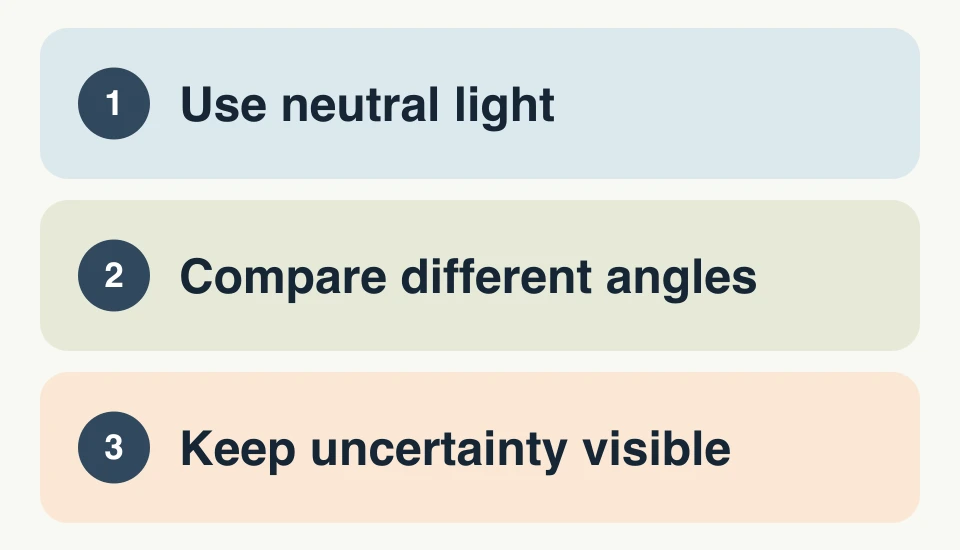
Cat breed suggestions can change when you change the subject that is most prominent in the photo. A fluffy cat curled into a ball shows coat volume, but its limbs and body outline are hidden. A crouched kitten’s round face may dominate the image even though its mature proportions are still developing. Start with soft daylight, state clearly which cat is being scanned if two are in the picture, and crop the other cat out.
Use a relaxed side view where you can see the tail and overall length. Then try a face-and-chest view at the cat’s level. Keep the pictures close in time and under similar lighting. Mixed indoor light can make a gray coat look brown or a dark face lose detail. Avoid lifting the cat just to see its legs. When the cat walks calmly across a room, your view of its shape will usually be more useful than a staged close-up.
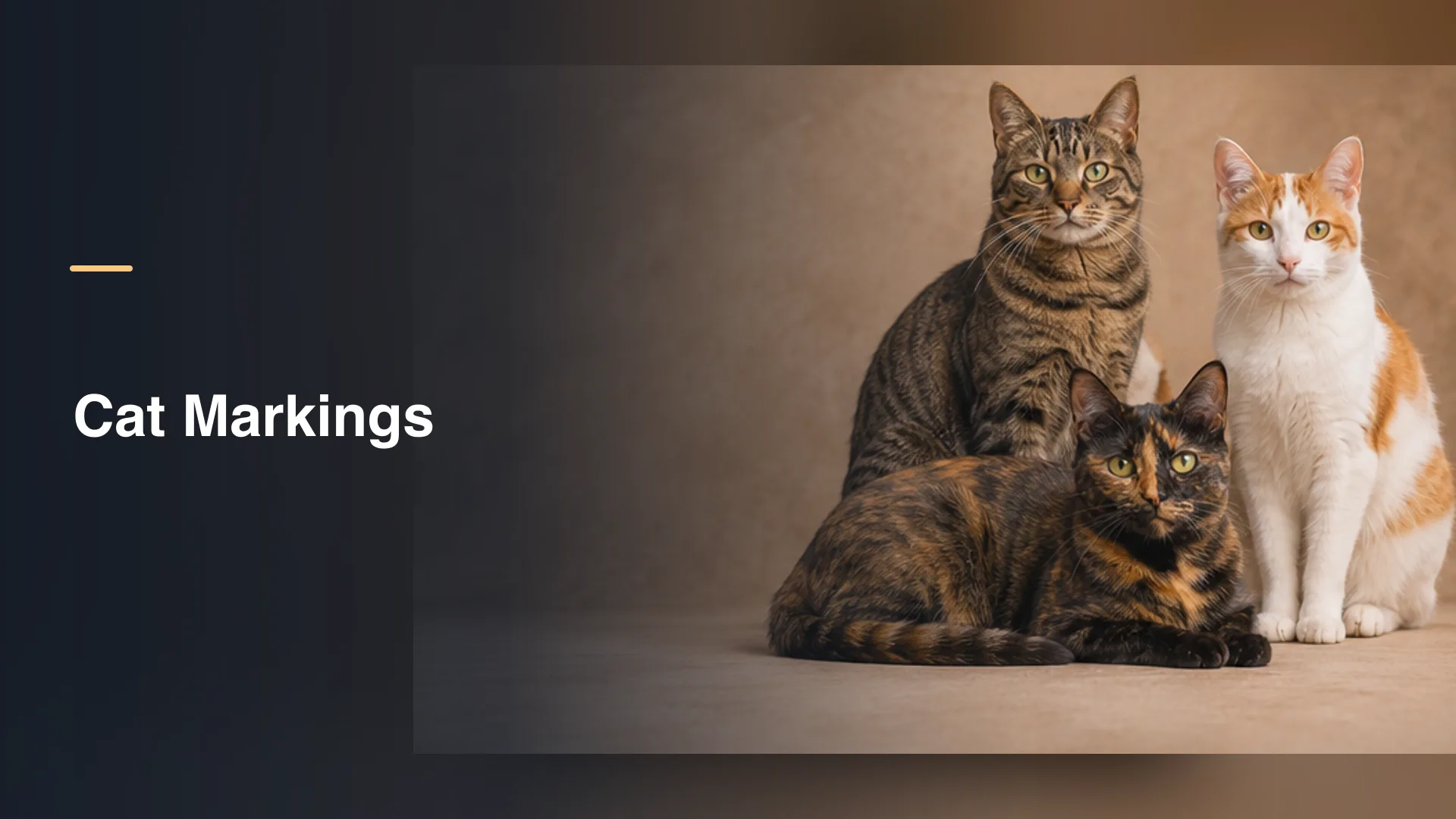
Separate pattern from breed Tuxedo, tabby, tortoiseshell, and calico describe visible coat patterns. If the pattern is the only part of the app’s result you can support, keep the pattern and leave the breed unconfirmed.
Compare two results before keeping a label
Suppose a longhaired brown tabby gets a Maine Coon suggestion in profile and a Siberian suggestion from the front. Both are reasons to look at the whole frame, coat type, and adult size. Neither settles ancestry. For an adoption or vet record, a precise coat description such as “brown tabby domestic longhair” may communicate more than the app’s leading guess. If you need to establish a pedigree, inspect the relevant breed records and see whether they identify this individual. Our cat breed identification guide explains what different records and physical traits can support.
When both photos return the same breed, record the features that might have led to that match before telling someone the cat is that breed. Matching outputs can be a good reason to read a standard or check the adoption notes. They also give you a defensible way to explain the result to a child or a friend who asked “what kind of cat is this?” You can report what the cat looks like with confidence while leaving its ancestry open. See what common cat labels describe.
The takeaway
Choose an app that shows enough context to evaluate its suggestion. Take a full side view and a second angle in neutral light, then keep the description you can verify. Use a breed label as a lead when the cat’s family history is unknown.
See what your cat resembles
Explore cat breed clues with PetMira
Take or upload a clear photo on iPhone and explore possible cat breeds. Start with a full side view if a headshot hides useful features.
 Use a photo from your camera or gallery
- Read about suggested breeds
Use the result alongside visible features and any records you already have.
Download iOS App